
Client project: Health and fitness
Android step counter app development, scoped and priced before the build
Easy Life 4 U, a consumer app company in Egypt, wanted a step counter that needed no watch and no second device. The goals, the features, the deadlines and the cost were settled in discovery, and the app was built for Android first.
- Client
- Easy Life 4 U, Egypt
- Platform
- Android first, iOS planned
- Our work
- Discovery, app design, build
- Year
- 2021
The brief: count steps without a watch
People who want to count their steps are sold a watch or a band, and then have one more device to manage. Easy Life 4 U wanted an app that did the job with the phone alone.
The client’s own suggestion set the direction: use the sensor already built into Android phones and read the data from it. The app keeps counting with the screen locked, whether the phone is in a hand, a bag, a pocket or an armband.
- No second deviceSteps are counted by the phone’s own sensor.
- Counts in the backgroundIt records with the screen locked.
- Android firstiOS was planned for later.
How the scope and the cost were settled before any code
Discovery meetings first
Meetings before the build settled the goals, the deliverables, the features, the tasks, the deadlines and the cost.Android first, iOS later
One platform to begin with, and the second planned for later. Of everything decided in discovery, this shaped the budget most.Research, then the interface
User research and competitive analysis, then the user flow, wireframes and visual design, with usability testing.Updates almost daily
The client told Clutch that updates came almost every day during the work.
What the step counter app does
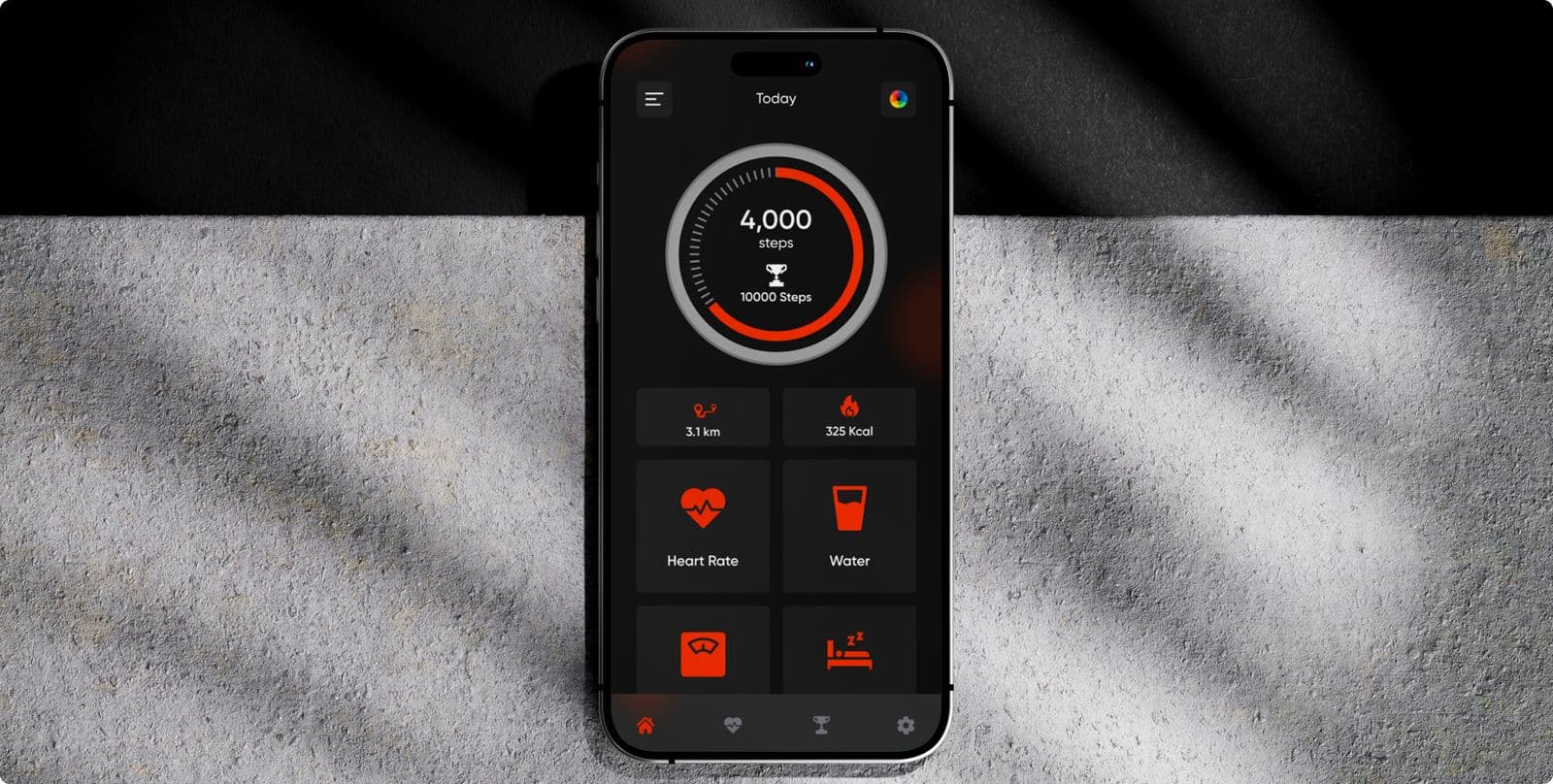
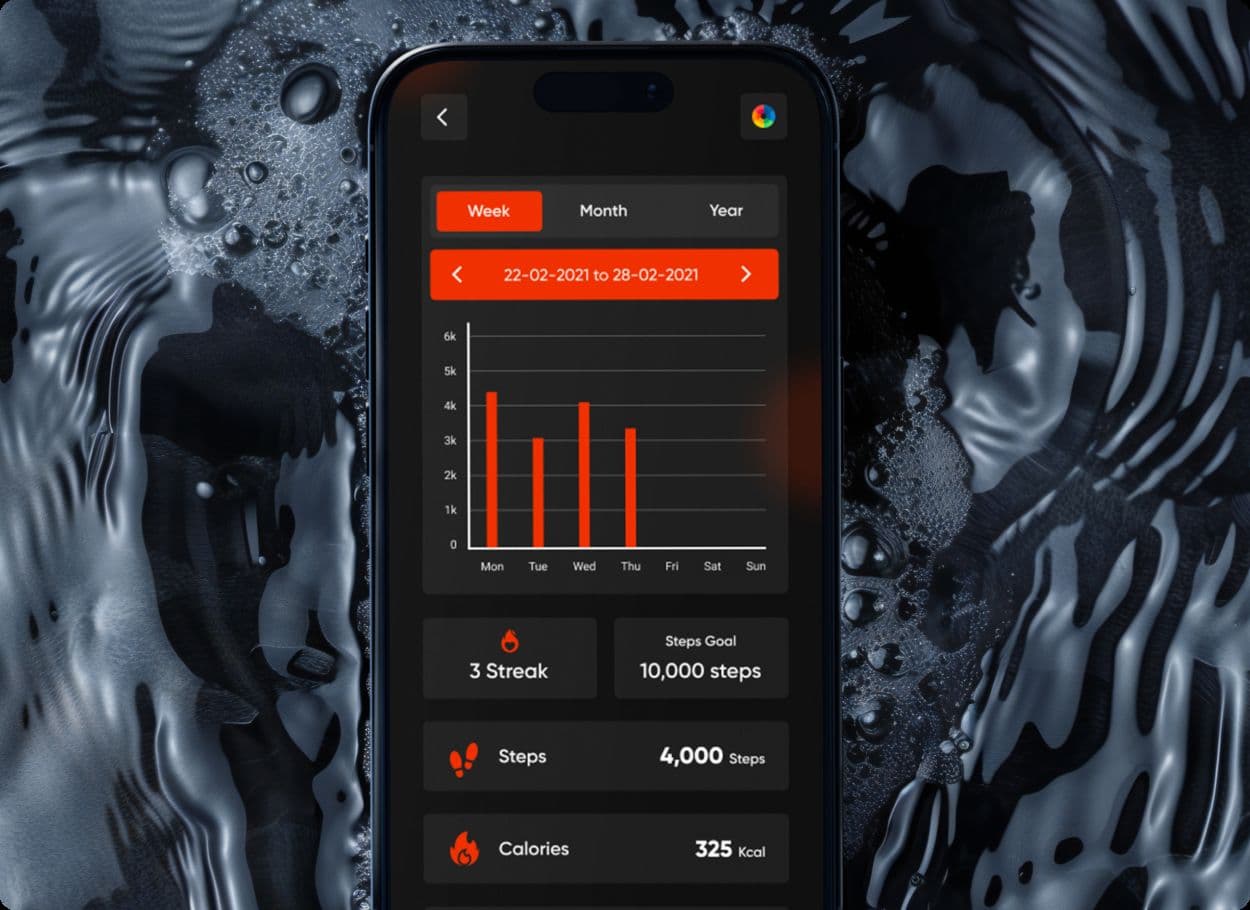
Step counter
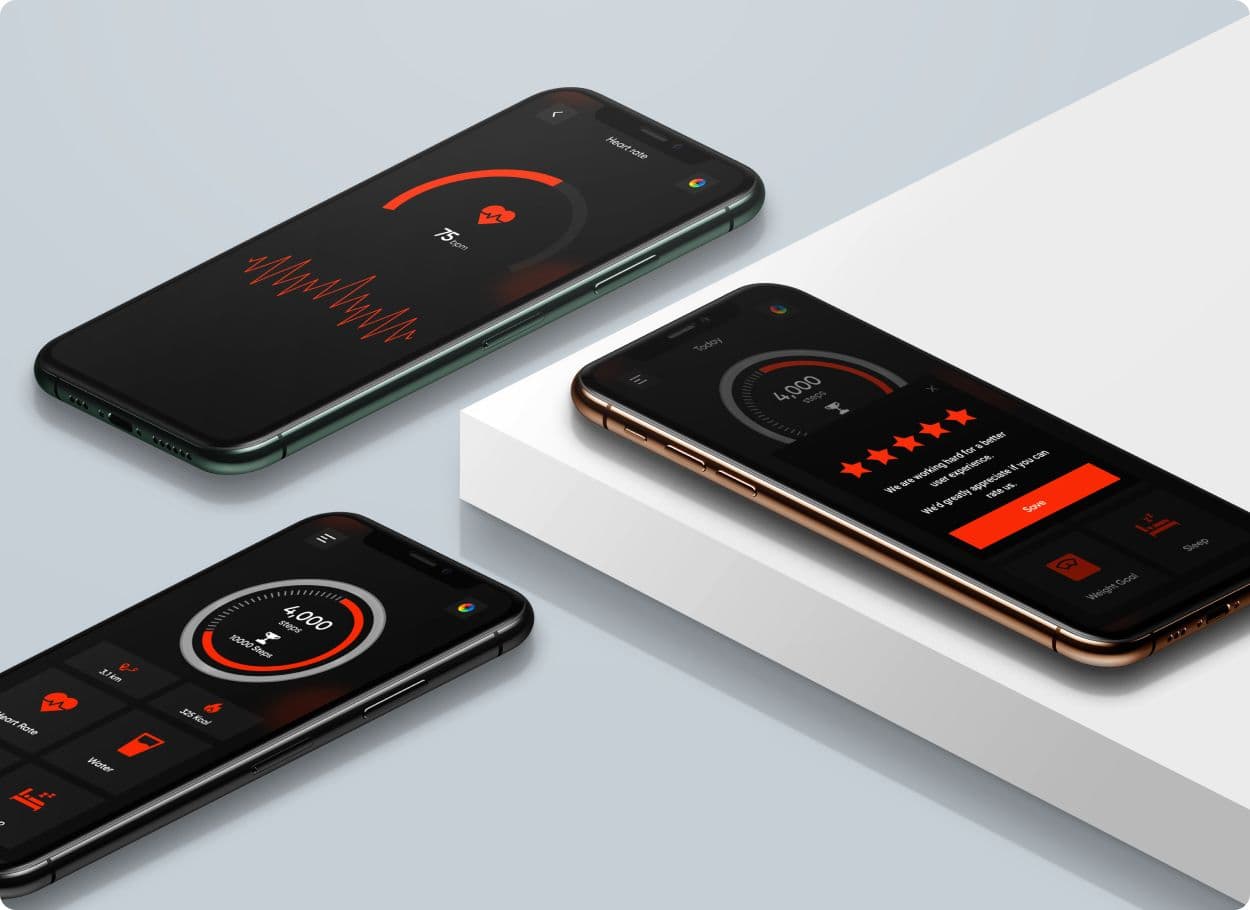
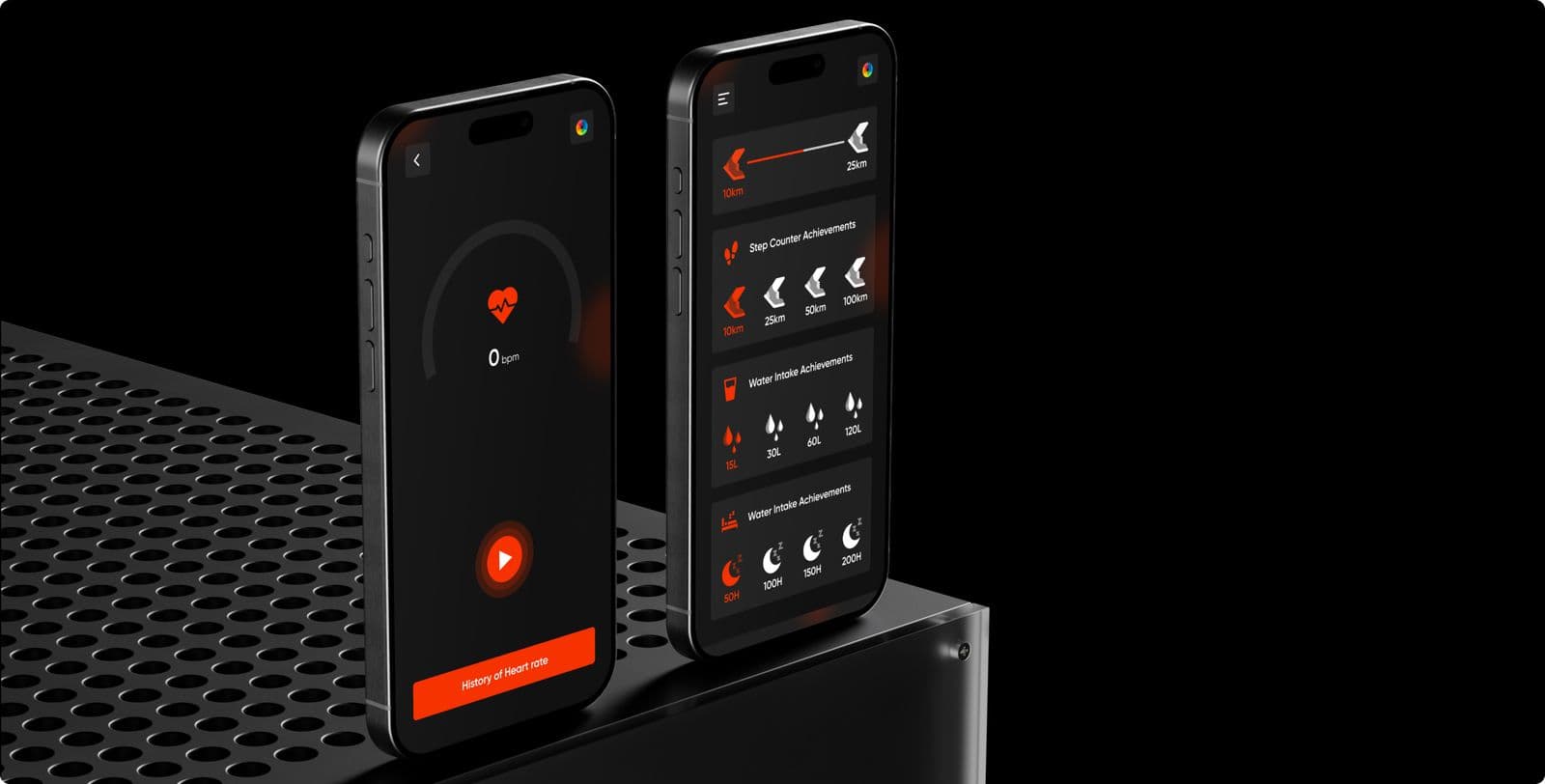
Counts steps from the built-in sensor and shows distance, time and calories burned as charts.
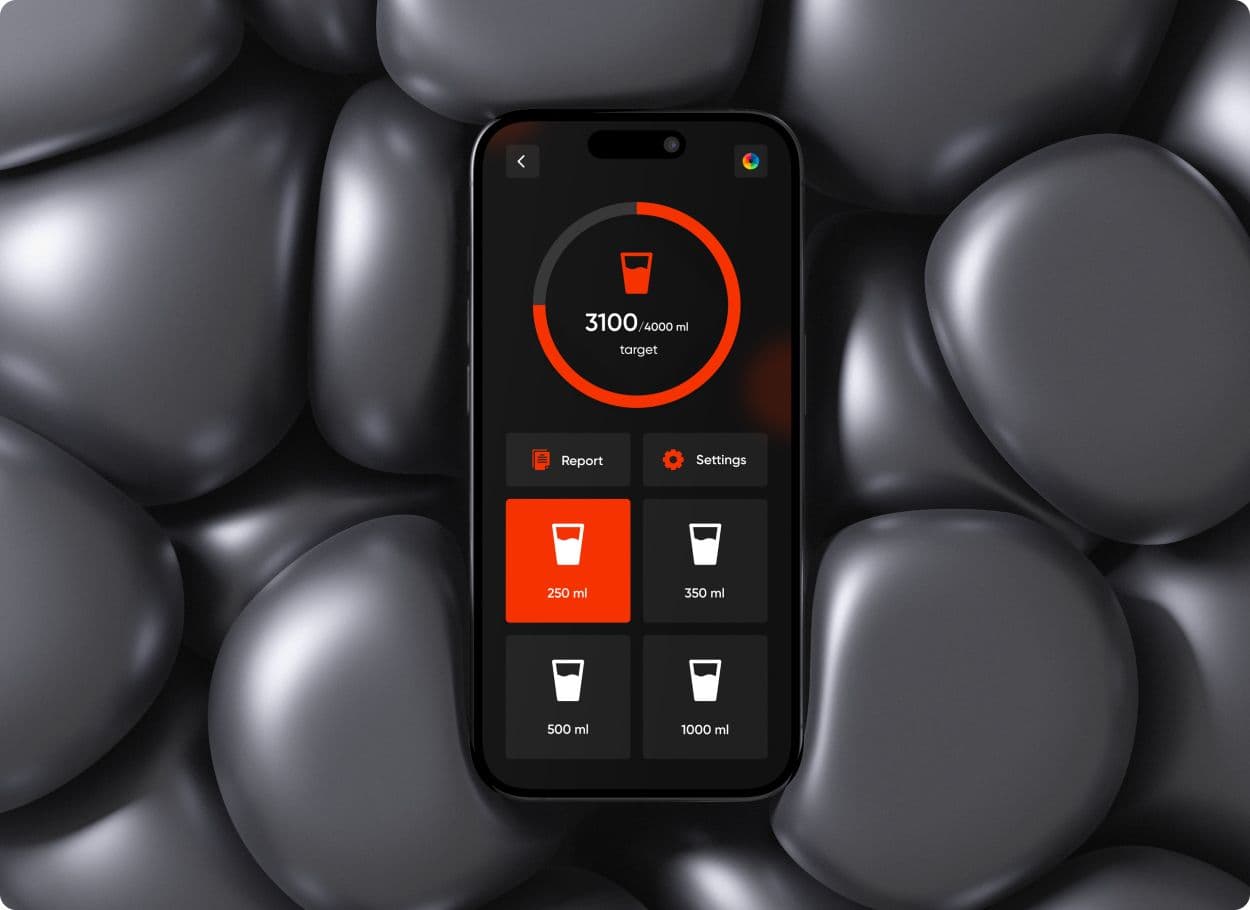
Water reminders
A daily target the user sets or calculates, with reminders when it is time to drink.
Heart rate
An approximate beats-per-minute reading, taken with the phone’s camera.
Weight goal
A target weight the user defines, and a BMI calculator that works out an ideal weight.
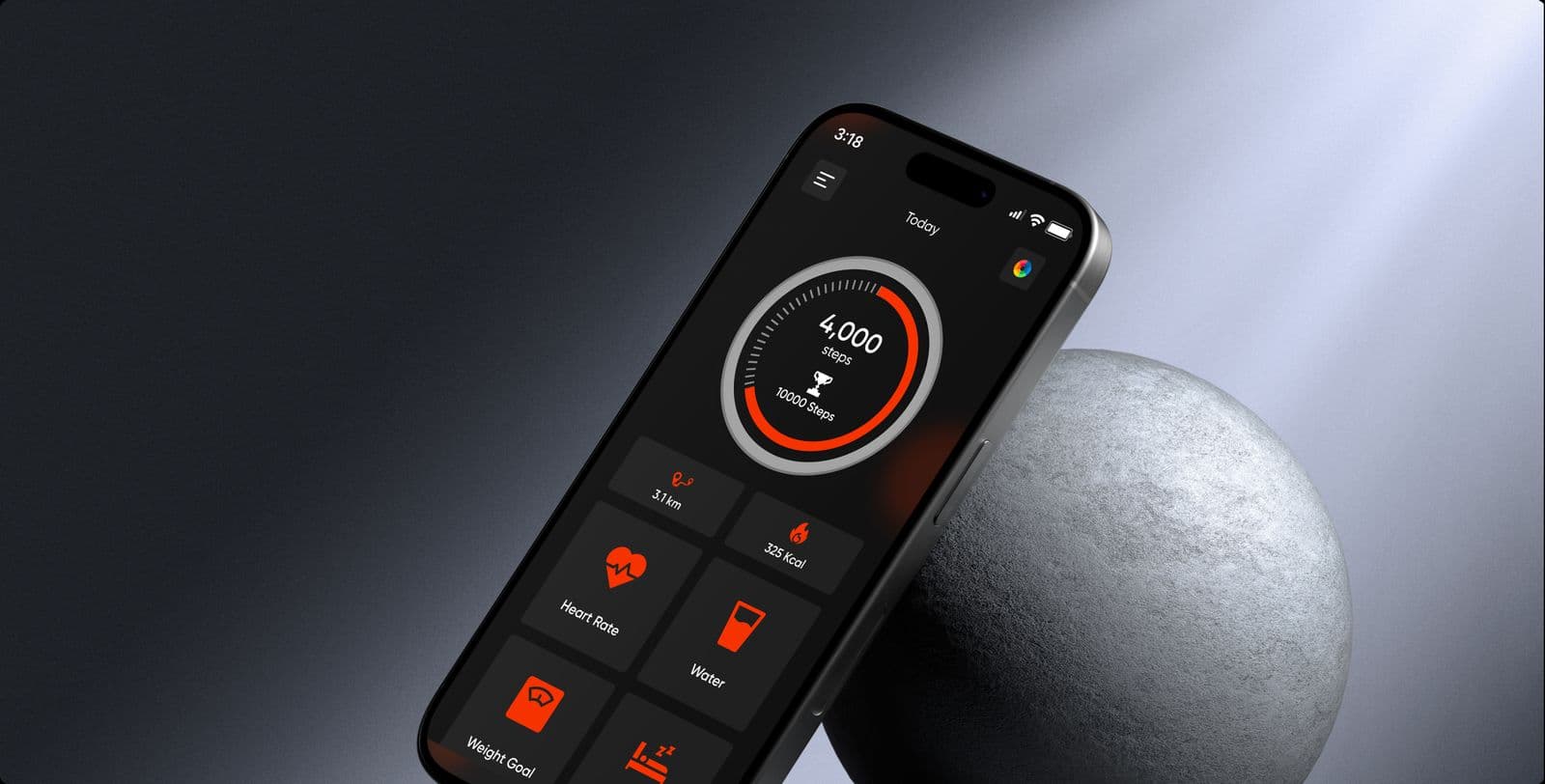
Colour
- #F63200
- #000000
- #FFFFFF
- #AAAAAA
The services behind this work: mobile app development and mobile app design.
The result, by the client’s account
These figures are the client’s own, from their review on Clutch. We have not restated or rounded them.
- Rating on Google Play
- 4.7
- Installs when the client wrote the review
- 20,000
- Delivered before the deadline
- Early
“They have a lot of experience in the designs so that they can develop the app with really cool and clear designs.”
 Verified review on Clutch
More case studies
Client project
Conference venue website design, scoped in stages before the build
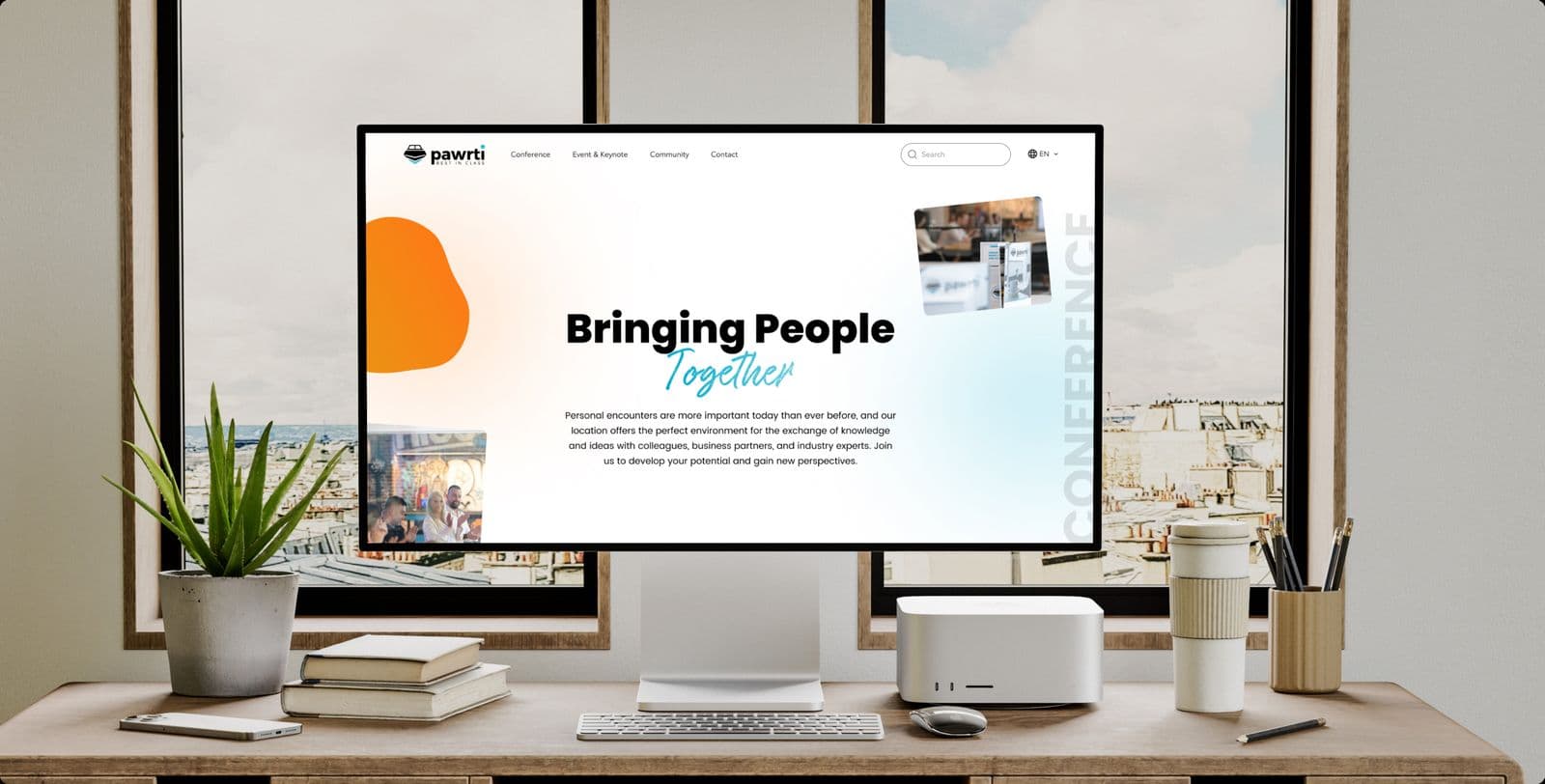
A new conference venue in Munich: three mockups, a prototype, then the build.
Client project
Shopify store development for a sim racing cockpit maker
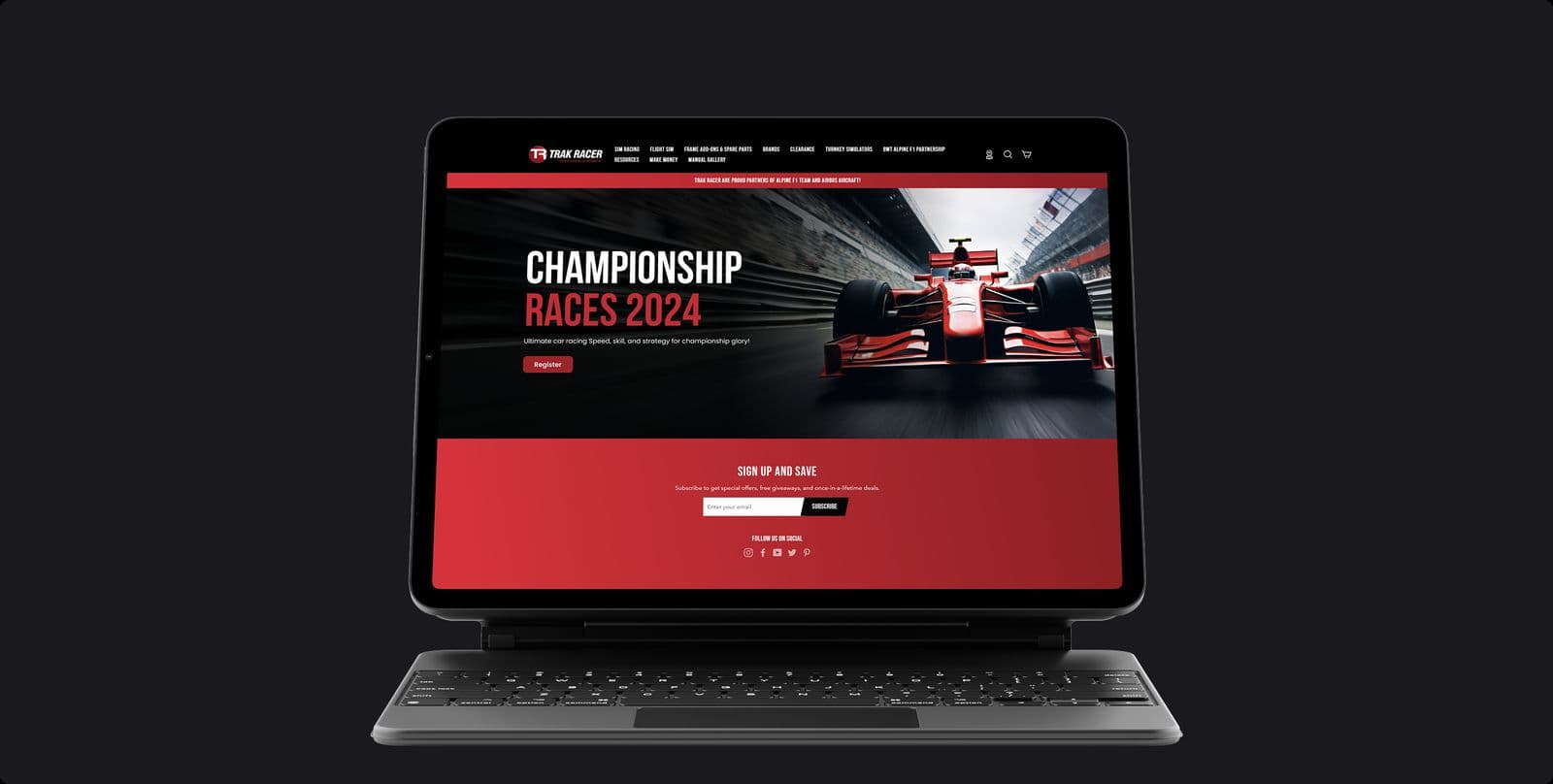
A Shopify store for racing simulator rigs: more than 18 web pages and more than 20 mobile screens.
Design work
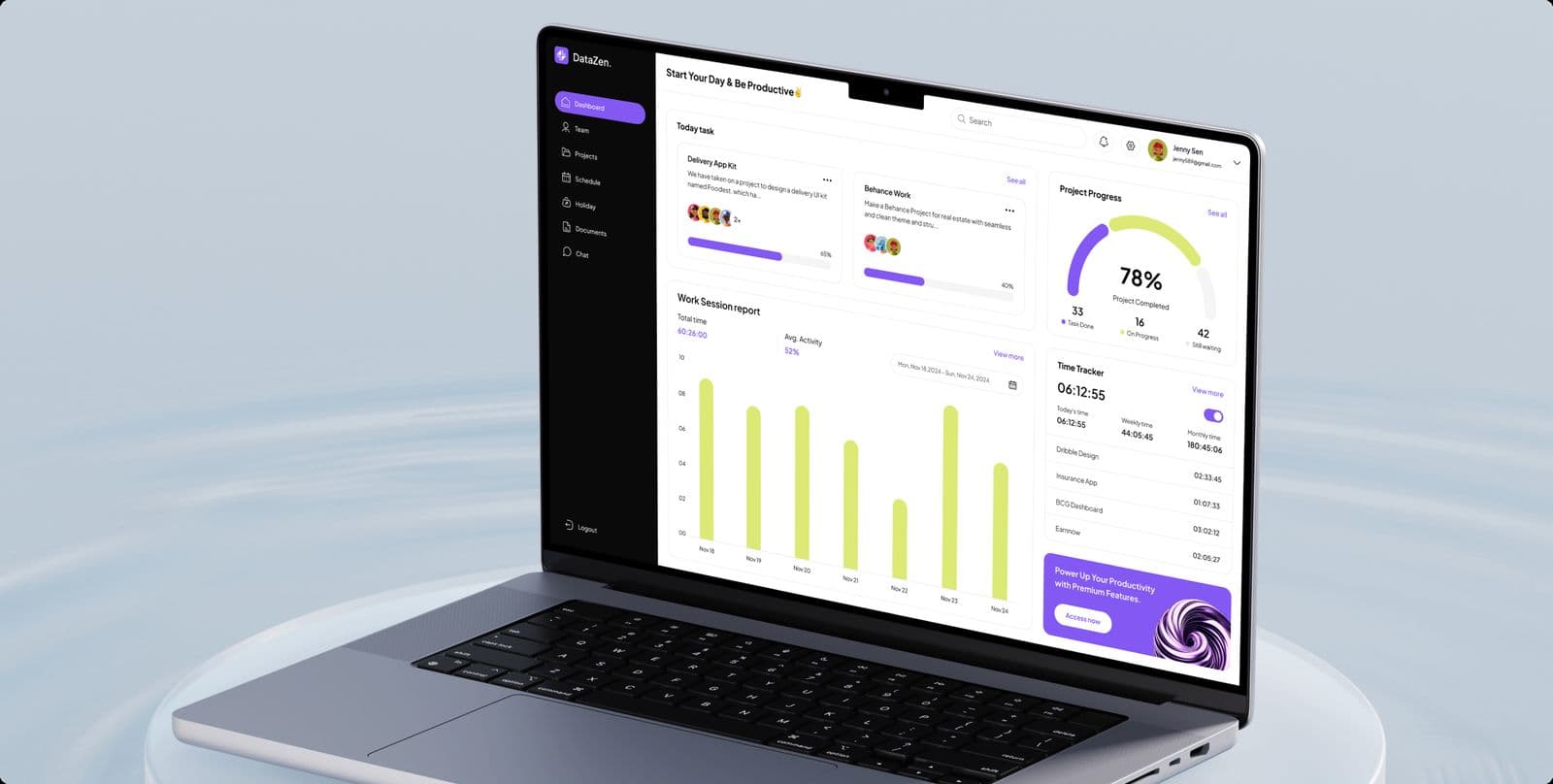
Project management dashboard design, with the brand around it
A dashboard for project managers and their teams, and the identity around it.
Planning a mobile app of your own?
Thirty minutes with the people who would design and build it. Tell us who will use it, where, and what it connects to.
- We reply within 12 hours
- You talk to the people doing the work, never an account manager
- Peer-reviewed releases
- NDA before your first call

Mayursinh Jadeja
Founder, Redlio Labs