
Design work: Education
LMS admin dashboard design for online courses, on tablet and phone
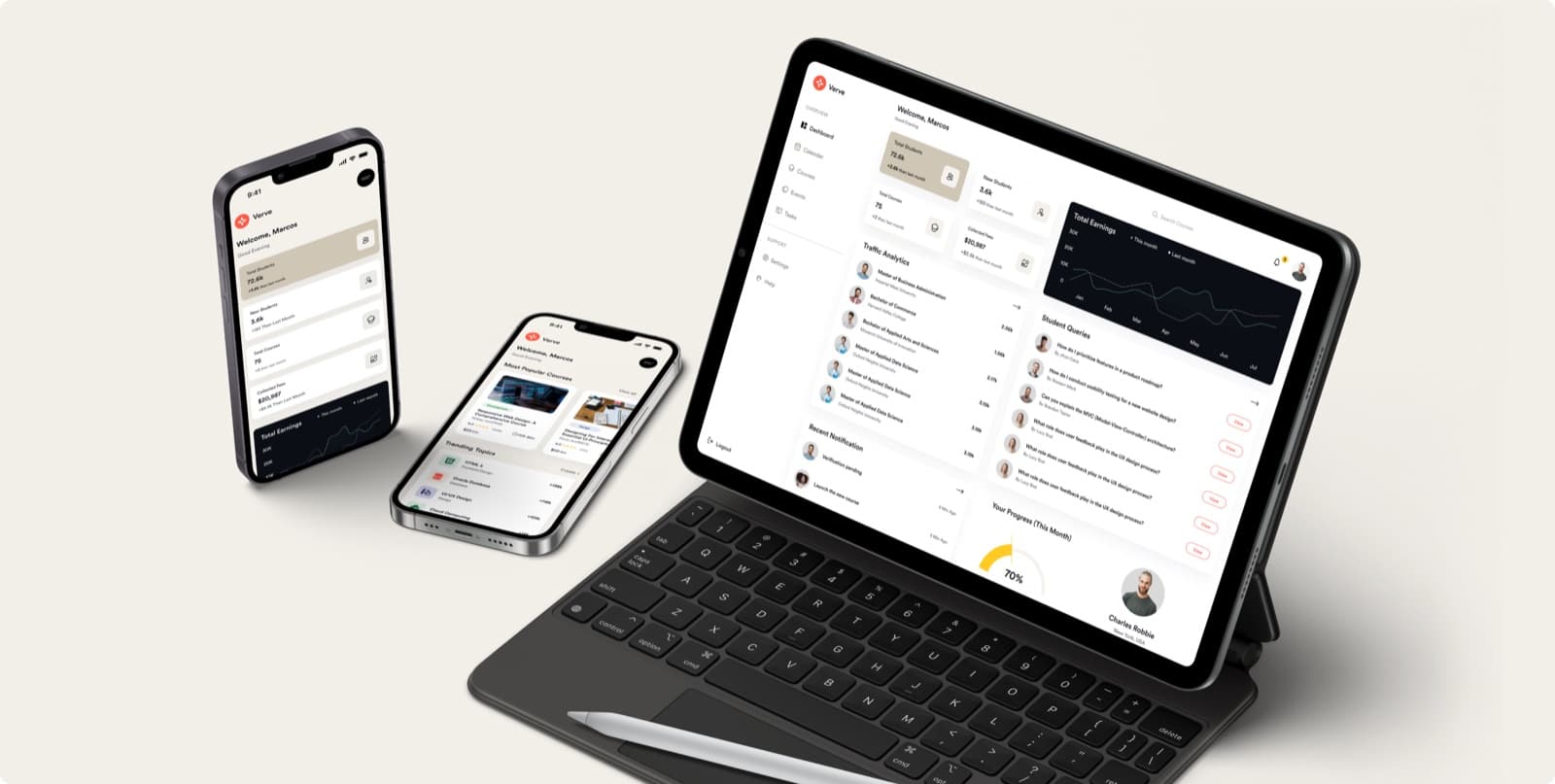
A dashboard for the people who run online courses, designed under the project name Verve: students, courses, fees and earnings in one overview, on tablet and phone, and the identity around the product.
- Project
- Verve
- Type
- Online course admin dashboard
- Our work
- UI/UX design, brand identity
- Platform
- Tablet and phone
Shown as design work, under its project name. We claim no client result for it.
What the online course dashboard had to do
Whoever runs a set of online courses watches several things at once: how many students there are, what has been paid, and which questions are waiting for an answer.
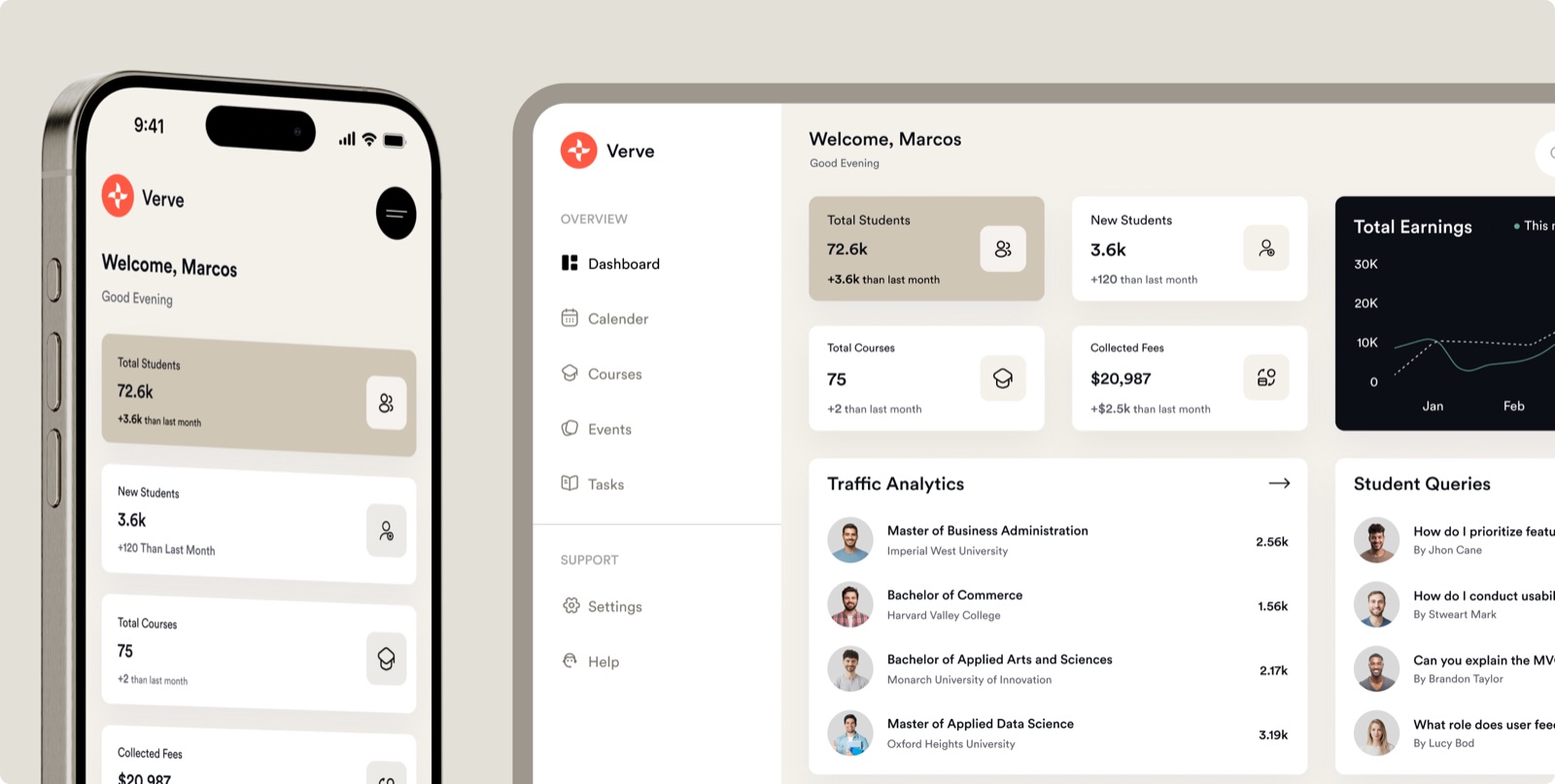
The design puts the totals in four cards at the top, with the change since last month under each. Earnings read as a line chart, and student queries read as a list with a button to open each one. On a phone the same cards stack in one column.
- Totals at the topStudents, courses and fees in four cards.
- A chart for earningsThis month drawn against last month.
- Queries as a listEach student question opens from its row.
What we designed for the LMS admin dashboard
Dashboard views
The overview, with totals, earnings and student queries.
Phone screens
The same overview, popular courses and trending topics.
Brand identity
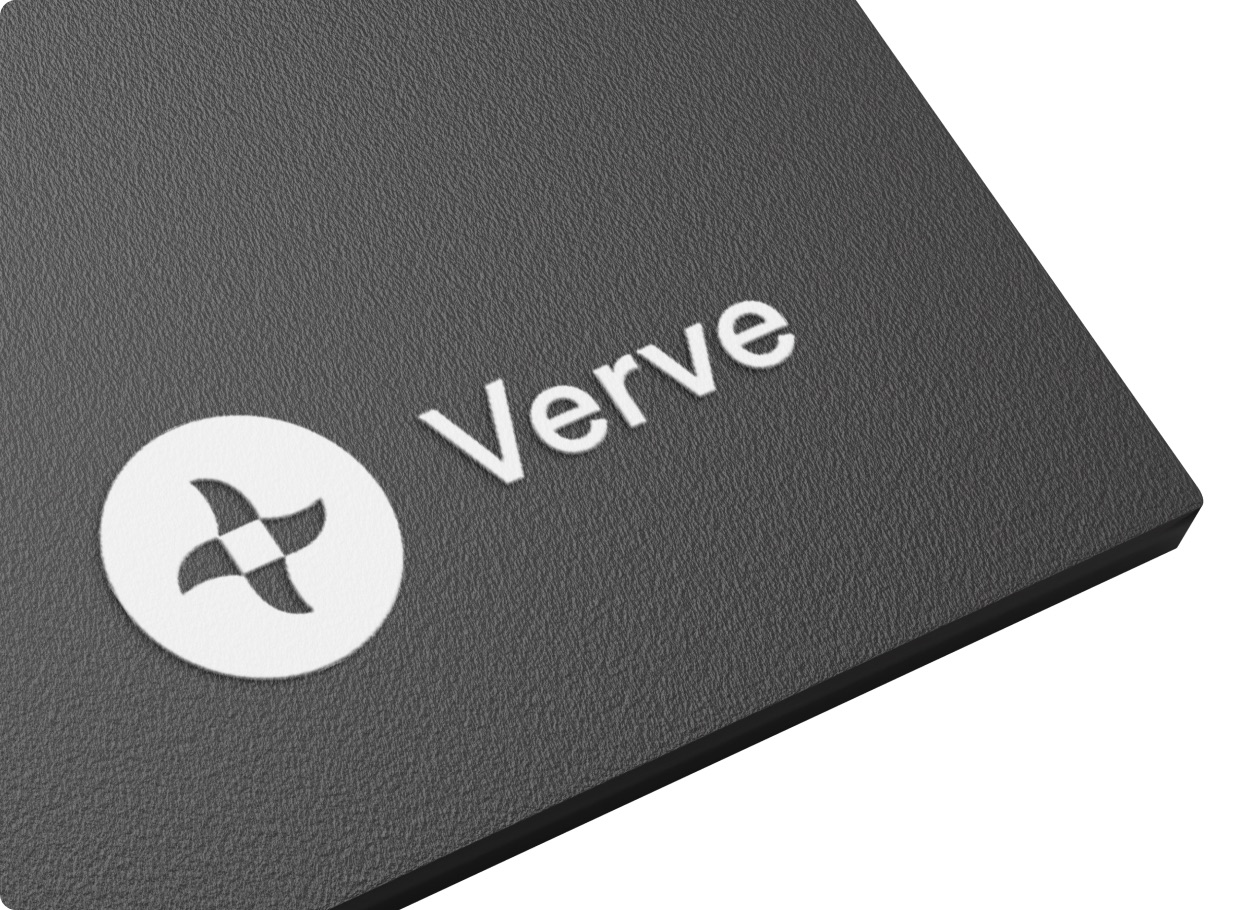
The mark and wordmark, in white on a dark sign board.
Brand applications
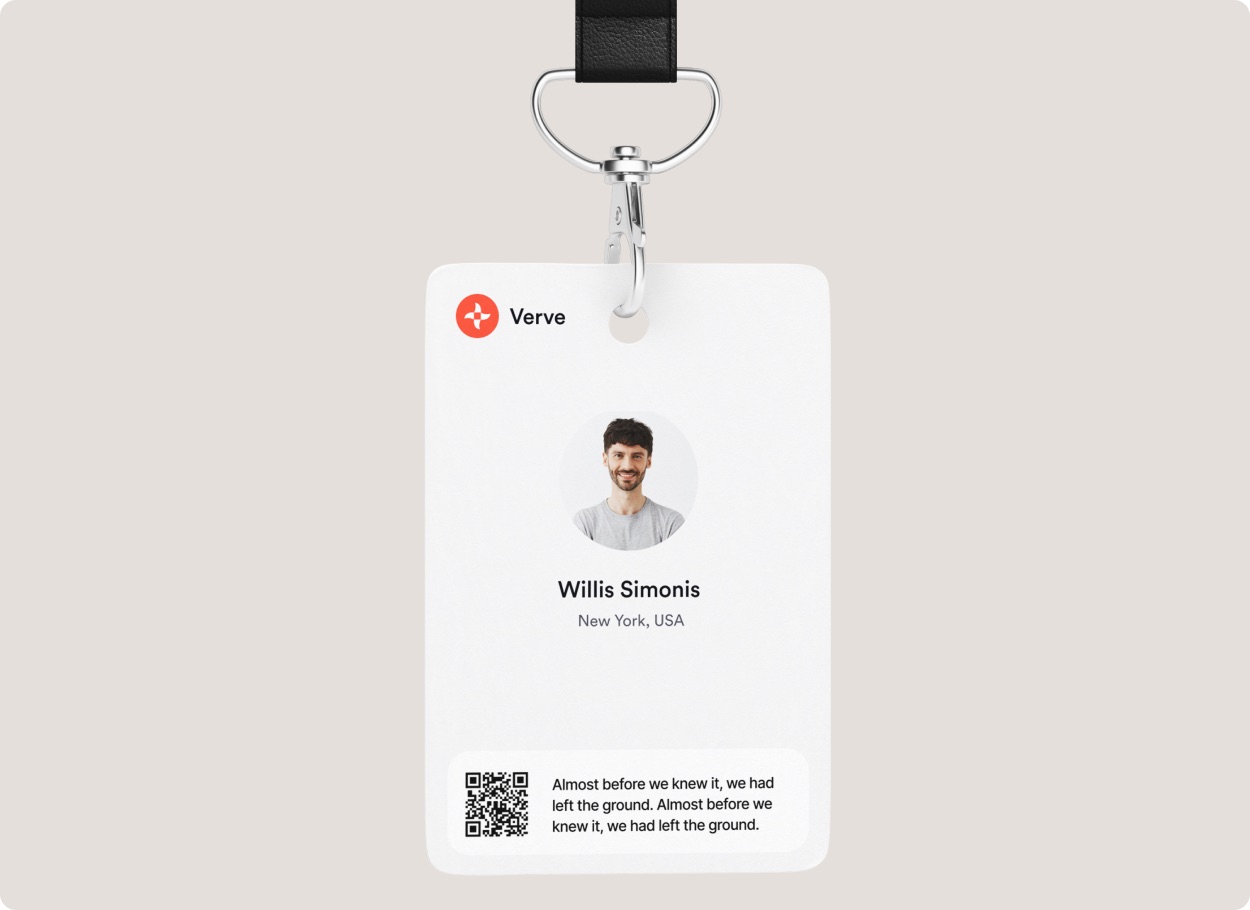
The identity on a paper cup and on a lanyard badge.

The services behind this work: UI/UX design and SaaS design. Planning something similar? Read our guide to SaaS development cost.
Before you brief anyone
Planning an LMS admin dashboard? Settle these first
Settle the numbers, the tasks and the data source before the first chart.
Request a scoping callDecide the handful of numbers an admin checks every morning.
Students, new enrollments, courses and fees collected are typical, and each card on the overview needs one agreed definition, or the totals start arguments.
Decide which tasks the dashboard has to finish, not just report.
Answering a student query, issuing a refund or publishing a course turns a report into a working tool, and each task needs its own screen.
Decide where the data comes from.
A dashboard on top of an existing LMS reads through that platform’s API; a new platform means LMS development, a separate build covered on our SaaS development page.
Then decide what has to work on a phone.
Totals and replies to queries usually travel well, while course building stays on a larger screen. Our SaaS design service covers dashboards like this one, and our guide to SaaS development cost explains the budget.
Questions about LMS admin dashboard design
If something here does not answer it, ask the founder directly.

Talk to the people who do the work
A 30 minute scoping call with the team that would take the project on. We reply within 12 hours.
Prefer email?info@redliolabs.com
What should an LMS admin dashboard show?
The totals an admin acts on, the trend behind them and the work waiting. Verve’s overview has cards for total students, new students, total courses and collected fees, an earnings chart against last month and a list of student queries.
How is an admin dashboard different from a student dashboard?
An admin dashboard covers the whole operation: enrollments, revenue and support. A student dashboard covers one learner’s courses and progress, so the two share data but very few screens.
Can an elearning dashboard work on a phone?
Yes, for checking numbers and replying to queries. In this design the same totals stack in one column on a phone, with popular courses and trending topics alongside.
How much does an LMS dashboard cost?
The number of screens, the user roles and the data behind them set it, so we price the work after a scoping call. Our guide to SaaS development cost explains the drivers.
Do you design admin dashboards?
Yes. We design admin and reporting dashboards as part of our UI/UX design work, and Verve is one of them. For the systems behind them, see our education software development page.
More dashboard and SaaS design work like the LMS admin dashboard
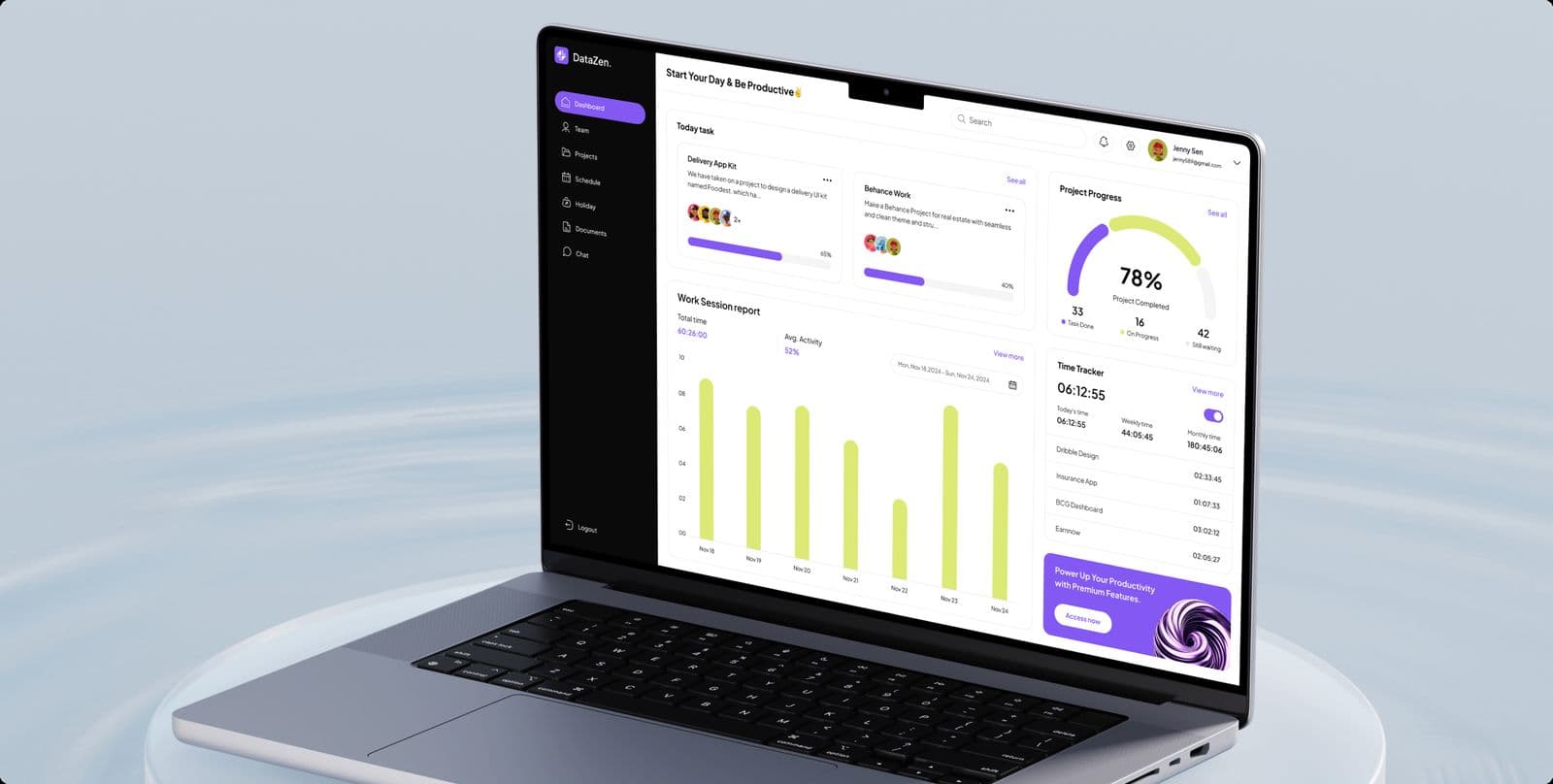
Design work
Project management dashboard design, with the brand around it
A dashboard for project managers and their teams, and the identity around it.
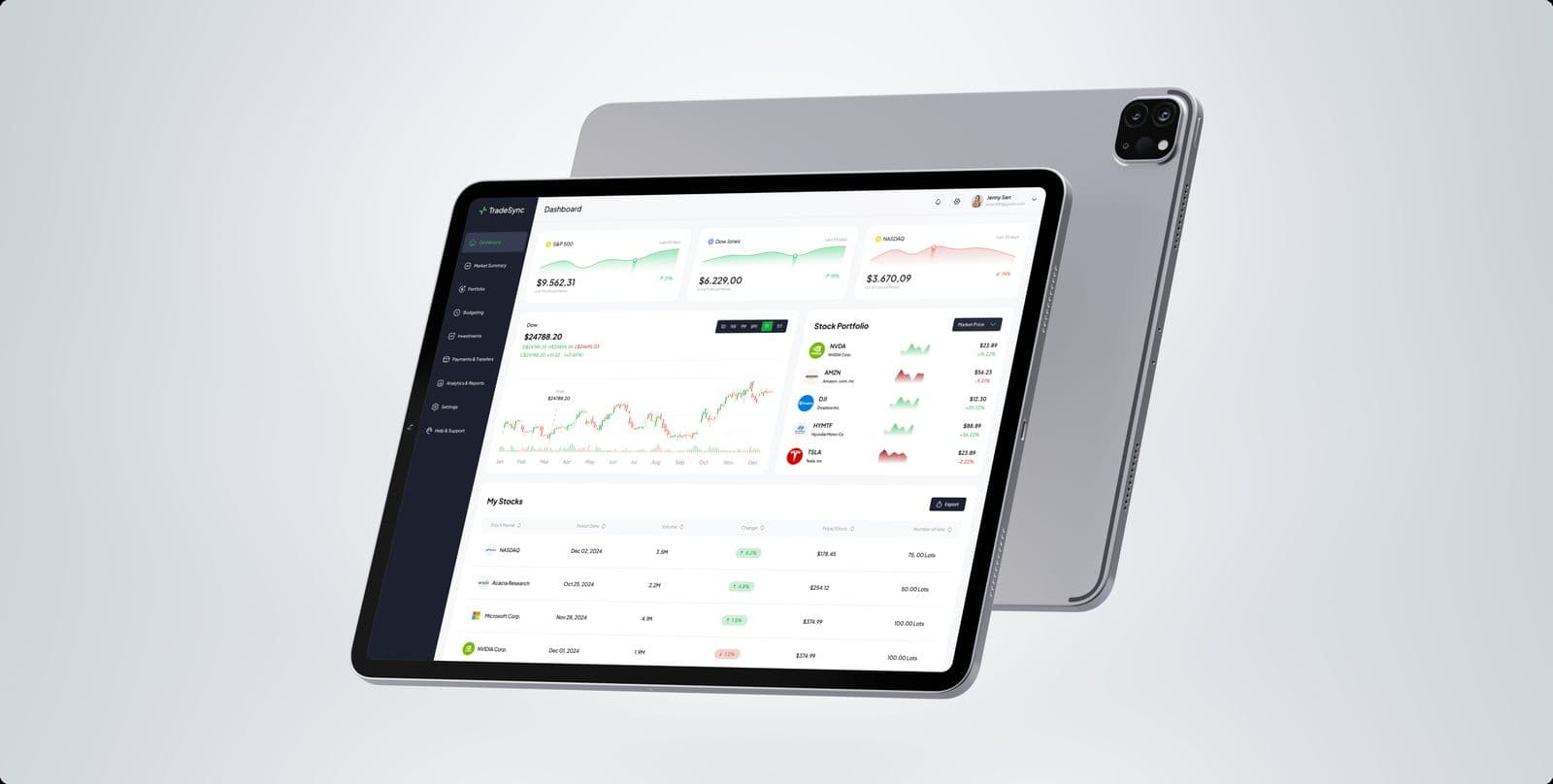
Design work
Trading platform UI design for stock trading on tablet and desktop
Market and portfolio views for a stock trading platform, on tablet and desktop.
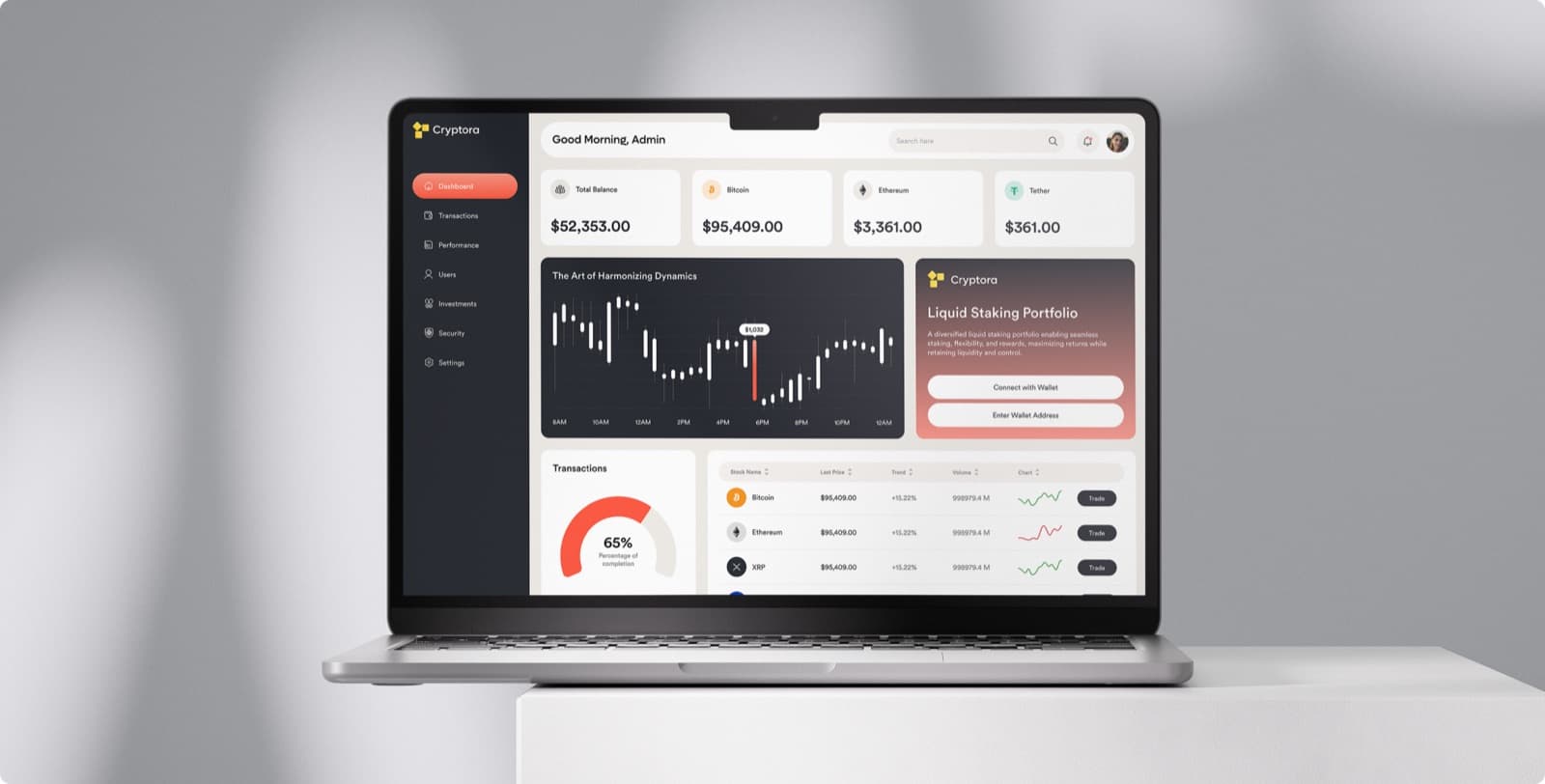
Design work
Crypto dashboard design for a portfolio: balances, chart and coin list
Balances, a price chart and a coin list for a crypto dashboard.
Talk to us about an LMS admin dashboard
Thirty minutes with the designers who would do the work: who uses your product, what they do most, and where it slows them down.
- We reply within 12 hours
- You talk to the people doing the work, never an account manager
- Peer-reviewed releases
- NDA before your first call

Mayursinh Jadeja
Founder, Redlio Labs