
Design work: Productivity software
Project management software development, from the task board to the timesheet: DataZen
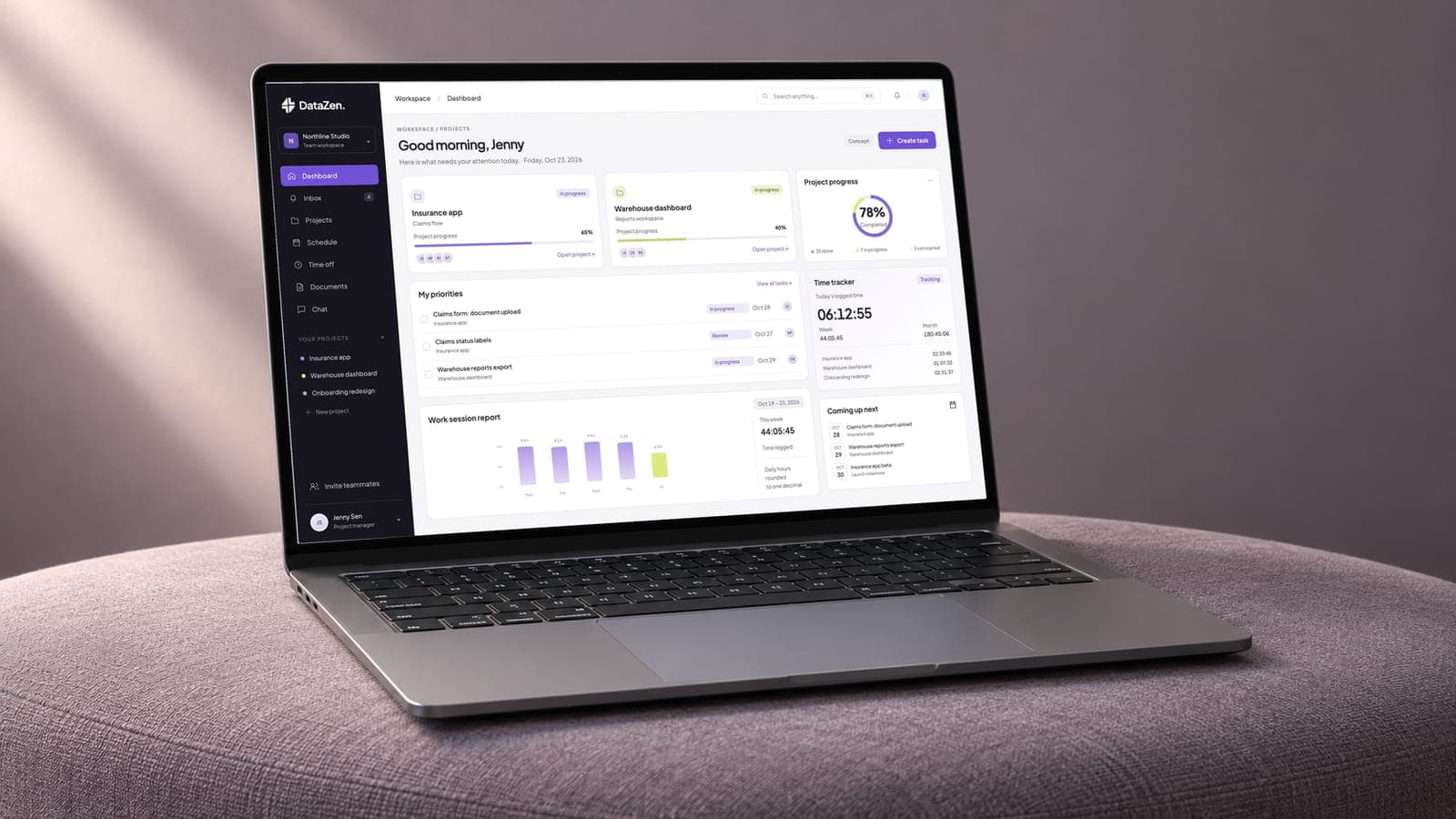
DataZen is project management software we designed: an overview with today’s tasks, a progress dial, the week’s hours and a time tracker, a team chat view, and the identity around them. The page also sets out how we develop project management software behind screens like these: the data model, roles and single sign-on, time tracking that feeds payroll, and the integrations a team relies on.
- Project
- DataZen
- Type
- Project management software
- Our work
- UI/UX design, brand identity
- Platform
- Web application
Shown as design work under the DataZen project name. The reimagined screens, people, projects, tasks, hours and messages are illustrative concepts. The task board, timesheets, task comments and schedule show proposed development scope.
What the project management software had to do
Project management software is used by people with different jobs: the manager who needs the state of everything at a glance, and the contributor who needs to know what to do today.
The design gives each of them a view. Progress and hours read as a dial and a chart, and tasks and conversations read as cards and lists. The layout stays quiet, black and white with one purple, so the work is what stands out.
- A view for each roleThe manager and the contributor.
- Charts for stateProgress and hours at a glance.
- Lists for workTasks and conversations, in order.

Project management software development, from the data model to the timesheet
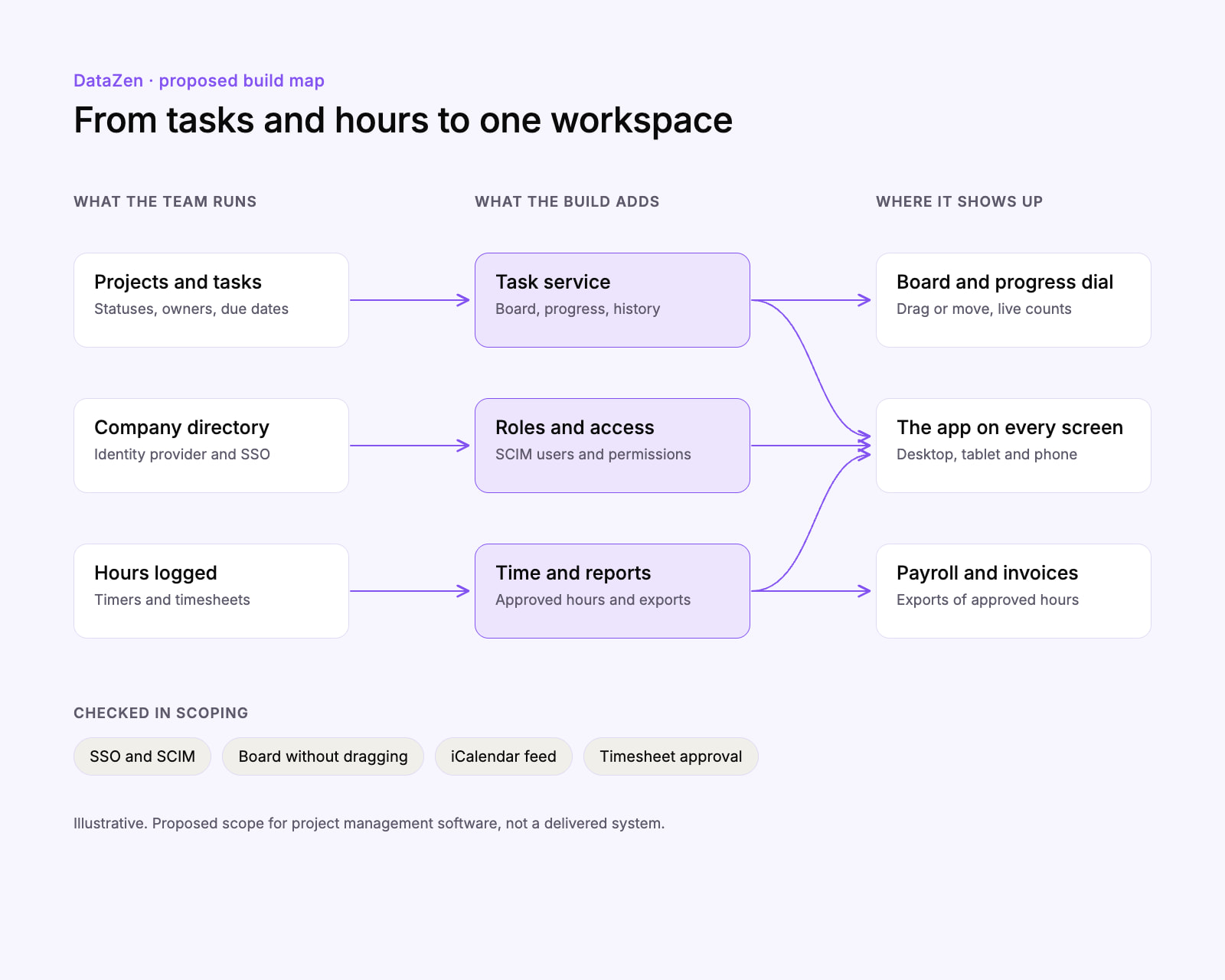
The screens are the part a team sees. Project management software runs on four more parts behind them, and they decide most of the build.
One data model for projects, tasks and people
Workspaces, projects, tasks, owners, statuses and due dates in one schema, so the board, the progress dial and every report count the same tasks.Roles and sign-in for each company
Permissions by role, single sign-on through SAML or OpenID Connect, and SCIM provisioning, so an admin adds and removes people in their identity provider.Time tracking that ends in approved hours
Timers and timesheets with an approval step, and exports of approved hours to payroll or invoicing, so the hours on the dashboard are the hours that get paid.Integrations and notifications
A calendar feed for due dates and time off, notifications by email and chat, file storage links, and an API with webhooks for the systems a company already runs.
What the DataZen project management software does
Every screen answers one of three questions a team asks each day: what is due, how far along the work is, and where the hours went.
An overview for the start of the day
Today’s tasks with their progress, the project dial with done, in progress and not started counts, the week’s hours and the running timer on one screen.
A task board that works with or without dragging
Columns from To do to Done, cards dragged between them or moved with a Move to menu, and the owner, due date and checklist on every card.
Time tracking that ends in an approved timesheet
A timer on any task, the day and week totals, and a weekly timesheet a manager approves before the hours go to payroll or an invoice.
Comments that stay with the task
The conversation from the chat view, opened on the task it is about, so a decision and the work it changes sit on one screen.
A schedule with deadlines and time off
Due dates, milestones and approved time off on one calendar, so a deadline set during someone’s leave shows before it is agreed, and a calendar feed carries it out.
An identity that carries from the sidebar to the sign
The DataZen mark and wordmark in the app’s sidebar, on a purple wall sign and a lit hanging sign, with the purple and lime the screens use.


The services behind this work: SaaS design and custom software development. Planning something similar? Read our guide to SaaS development cost.
Before you brief anyone
Planning project management software? Settle these first
Settle internal or for sale, what a task is and where the hours go before the screens.
Request a scoping callDecide whether it is an internal tool or a product to sell.
An internal tool fits one company’s workflow and sign-in; a SaaS product needs a workspace for each customer, billing and onboarding. Our custom software development page covers both kinds of build.
Decide what a task is.
Its statuses, fields, dependencies and approvals set the data model and every report built on it, so the board, the progress dial and the exports are drawn from that definition, not the other way round.
Decide where the hours go.
When tracked time feeds payroll or invoices, approval, edits after submission and the export format all need rules, and wage law sets which records an employer keeps.
Then agree the scope before comparing prices.
Our SaaS design service covers the screens, and our guide to SaaS development cost shows what drives the build behind them.
Questions about project management software development
If something here does not answer it, ask the founder directly.

Talk to the people who do the work
A 30 minute scoping call with the team that would take the project on. We reply within 12 hours.
Prefer email?info@redliolabs.com
What does project management software development include?
The web app and often a phone app; the data model for workspaces, projects, tasks and people; boards, lists and a schedule; roles, single sign-on and user provisioning; time tracking and reports; notifications; and connections to calendars, chat, file storage and billing. The screens are one part; the data model and the integrations decide most of the build.
Do you develop project management software as well as design it?
Yes. We design product interfaces through our SaaS design service and build them through our custom software development work, from the data model to time tracking and single sign-on. DataZen, shown here, is design work: the screens and the brand.
How much does custom project management software cost?
The user roles, the workflow a task follows, time tracking and billing, the integrations, and whether it is an internal tool or a product sold to others set the figure, so we quote after a scoping call. Our guide to SaaS development cost explains the drivers.
Should a company build custom project management software or use an off-the-shelf tool?
An off-the-shelf tool fits most teams whose work follows a standard board or list. Custom software pays when the workflow sets the business apart, such as client approvals, hours billed to contracts or industry sign-offs, when it has to connect to internal systems, or when the software is itself the product.
What does project management app development add for phones?
The tasks someone needs away from a desk: today’s list, comments, a timer, approvals and push notifications, built on the same API as the web app. Planning and reporting usually stay on the larger screen.
What makes good project management dashboard design?
A view for each role: the manager sees the state of every project, the contributor sees today’s tasks. DataZen shows progress as a dial with its counts, hours as a weekly chart and work as task cards, in a quiet layout so the work stands out.
Can project management software connect to the tools a team already uses?
Yes, through their APIs: single sign-on and user provisioning from the identity provider, deadlines out to calendars through an iCalendar feed, notifications into chat and email, files from shared storage, and approved hours out to payroll or invoicing. We list each connection during scoping.
What project management software has to get right before launch
Project management software is bought by companies, so their accessibility, sign-in, security review and payroll rules arrive with the first contract.
2.5.7
A board that works without dragging
WCAG 2.2 requires anything done by dragging to work with a single pointer without dragging, so every card on the board also has a Move to menu.
WCAG 2.2, 2.5.7RFC 7644
People provisioned from the directory
SCIM is the IETF’s HTTP protocol for managing identities across domains, such as a company and a cloud service, so an admin adds and removes users in one place.
RFC 7644 (SCIM)SOC 2
Controls ready for a SOC 2 examination
A SOC 2 report examines a service organization’s controls relevant to security, availability, processing integrity, confidentiality or privacy.
AICPA SOC 2RFC 5545
Due dates in the calendars people use
iCalendar, the IETF format for calendaring and scheduling data, includes to-do items with a due date, so deadlines and time off sync to calendar apps.
RFC 5545 (iCalendar)§516.2(a)(7)
Hours kept the way wage law asks
The FLSA recordkeeping rule has employers keep hours worked each workday and each workweek for covered employees, so a timer that feeds payroll stores both.
29 CFR 516.2Section 508
Ready for public sector buyers
Federal agencies must buy and use ICT that meets the Revised 508 Standards, which have software and content conform to WCAG 2.0 Level A and AA.
Revised 508 Standards
We check accessibility, sign-in, security controls and time records against these during scoping, so the first enterprise review finds nothing to rebuild.
More dashboard and SaaS design work like the project management software
Design work
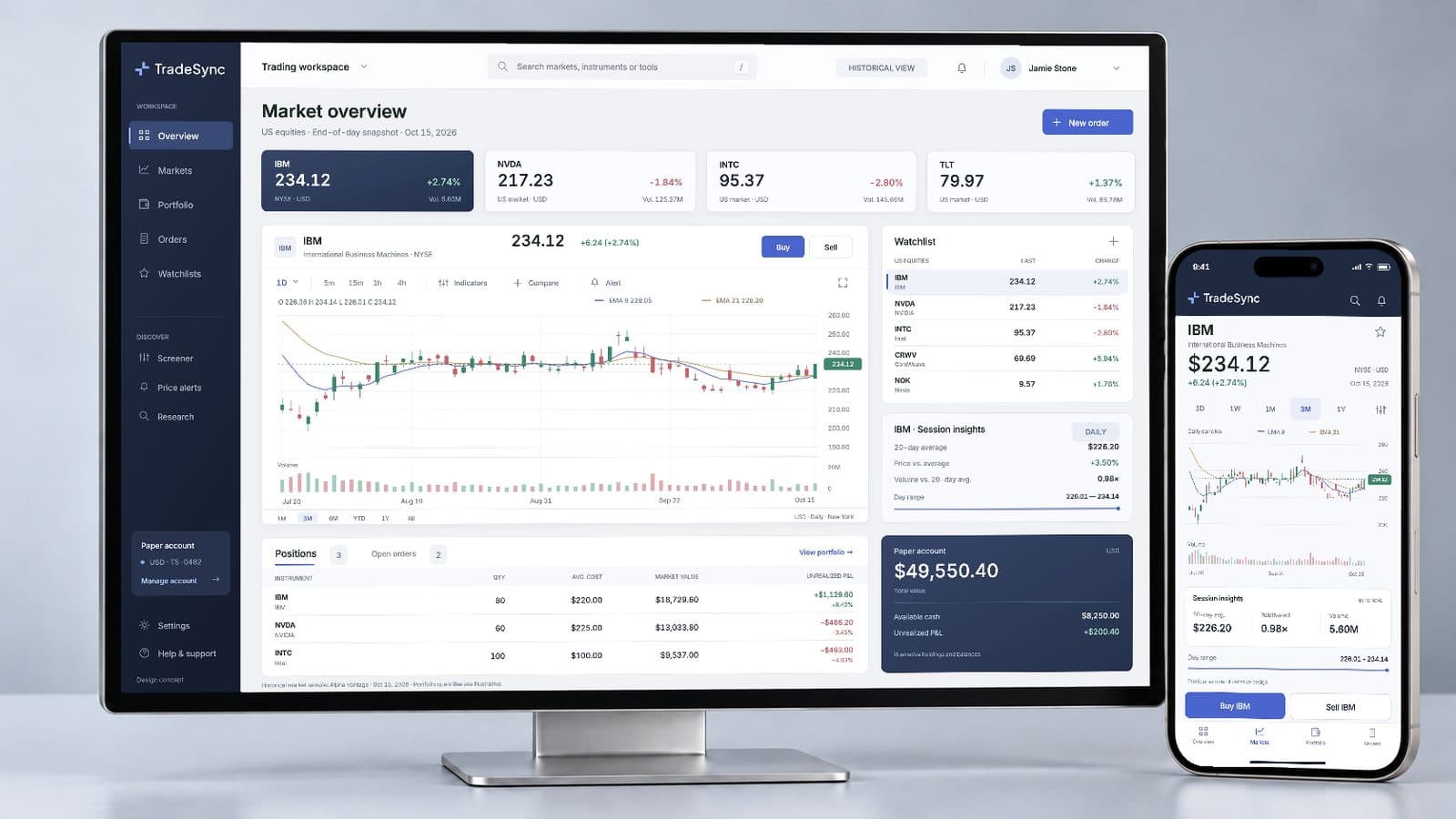
Trading platform development, from the UI out: TradeSync for tablet and desktop
A stock trading platform UI for tablet and desktop, and the build plan behind it.
Design work
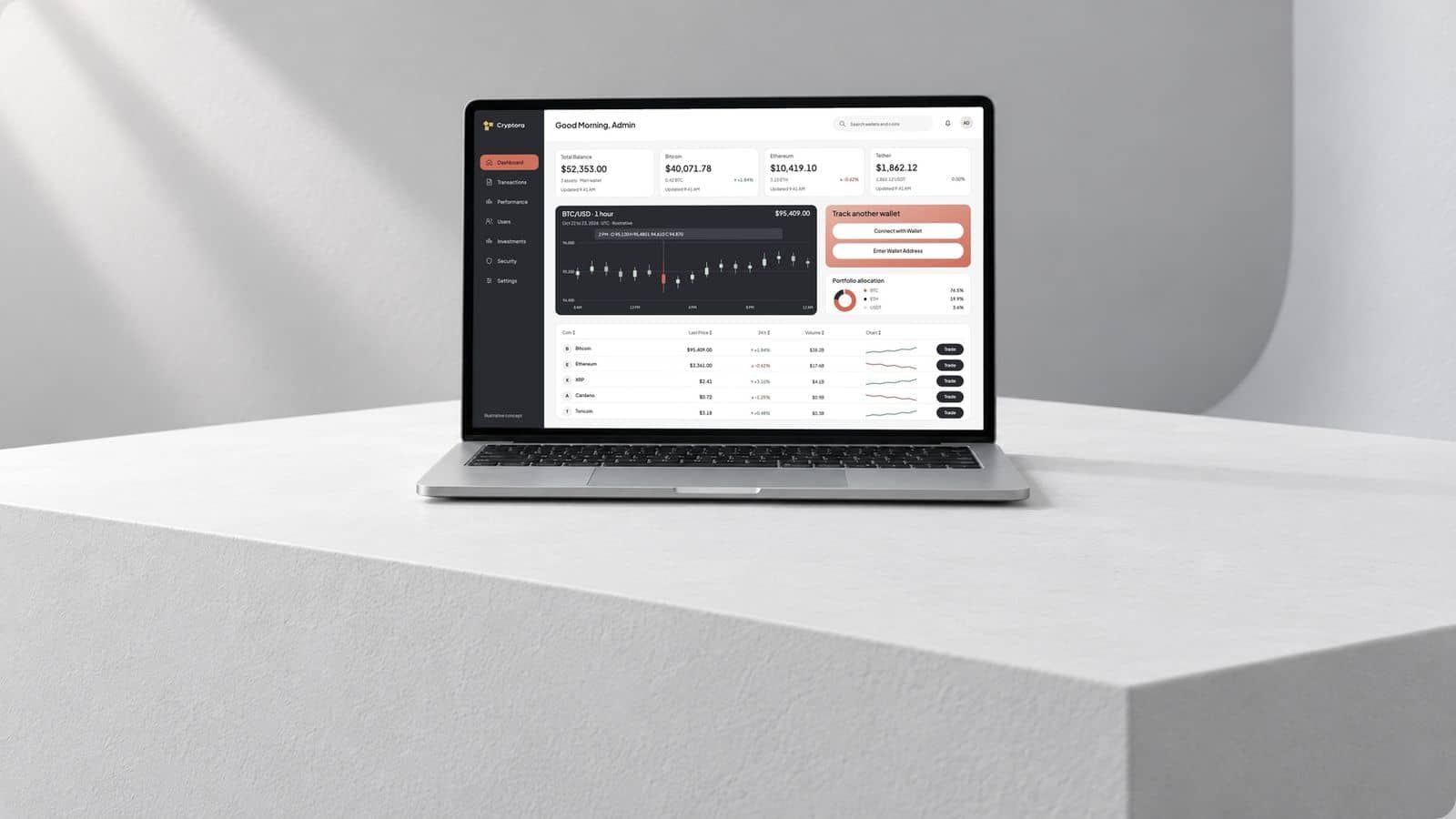
Crypto dashboard design and development for a portfolio tracker: Cryptora
A crypto portfolio dashboard, and the wallet sync, prices and ledger behind it.
Design work
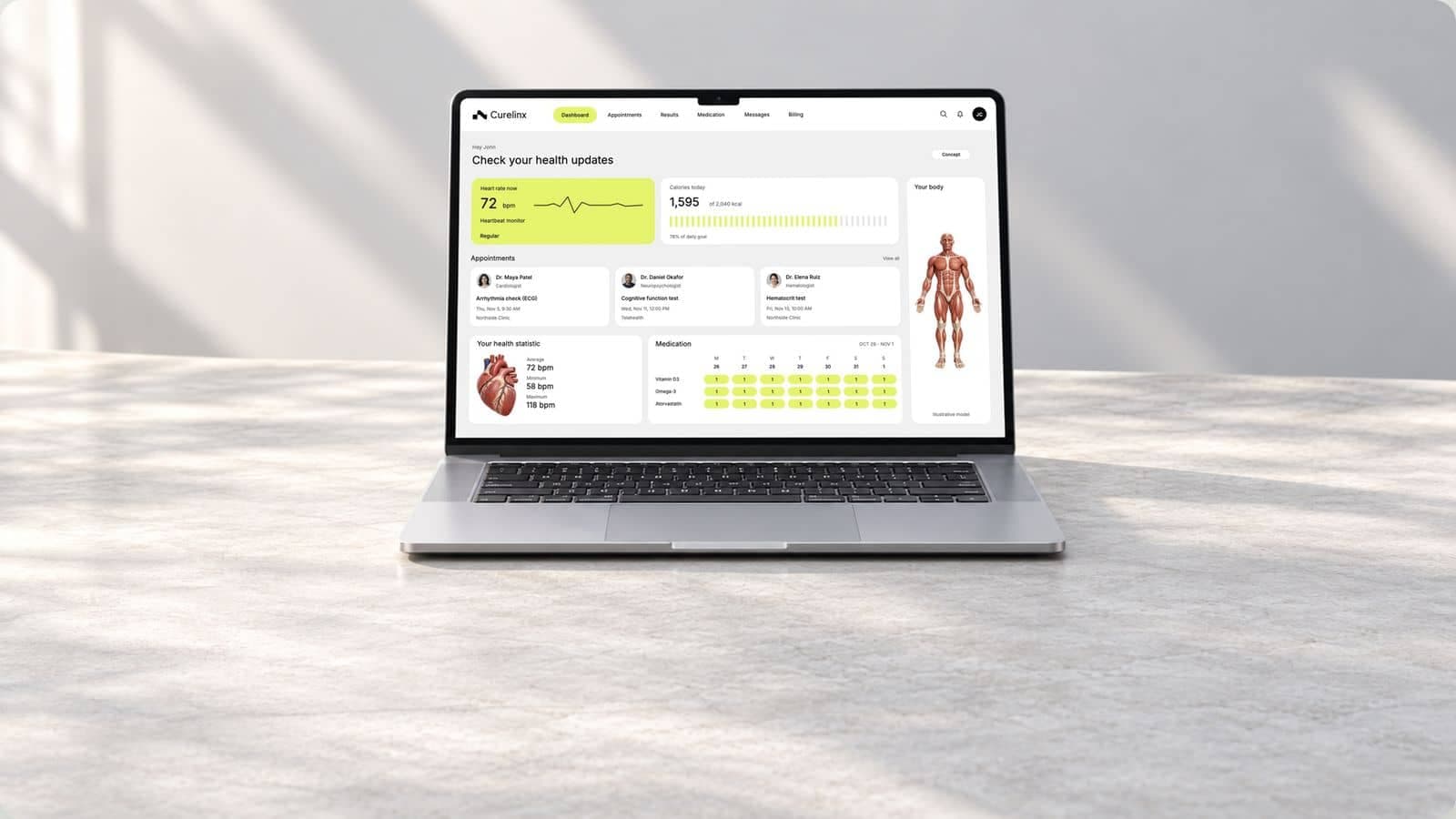
Patient portal development, from the EHR record to the patient’s dashboard: Curelinx
A patient health dashboard, and the EHR link, booking and audit trail behind it.
Talk to us about a project management software
Thirty minutes with the people who would design and build it: who uses it, what a task means for the team, and where the hours go.
- We reply within 12 hours
- A quote within 48 hours of the scoping call
- You talk to the people doing the work, never an account manager
- Peer-reviewed releases
- NDA before your first call

Mayursinh Jadeja
Founder, Redlio Labs