
Design work: Real estate
Real estate app development, from the listing feed to the saved home: Nestora
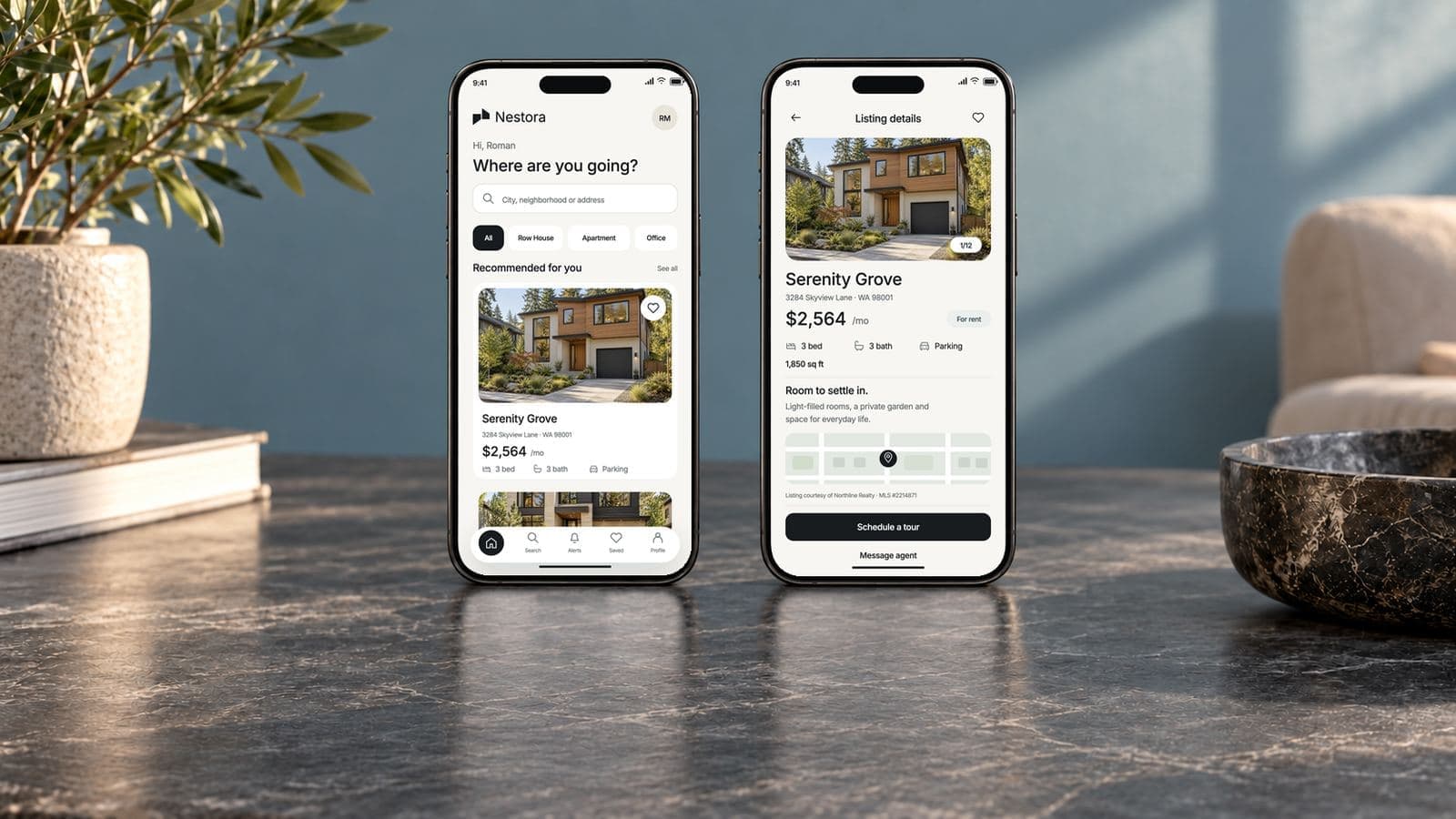
Nestora is a property listing app we designed: homes to browse by type, a card for each one with its rent and rooms, a favorites list, and the identity for the app. The page also sets out how we develop a real estate app behind screens like these: the MLS feed, search, alerts, tours and the agent side.
- Project
- Nestora
- Type
- Property listing app
- Our work
- Mobile app design, brand identity
- Platform
- Mobile phone
Shown as design work under the Nestora project name. The reimagined screens, property photos, rents and listings are illustrative concepts. The listing feed, alerts, tour booking and agent dashboard show proposed development scope.
What the property listing app had to do
Someone looking for a home on a phone is comparing. They flick through homes, weigh the rent against the rooms, and want to come back to the two or three worth a second look.
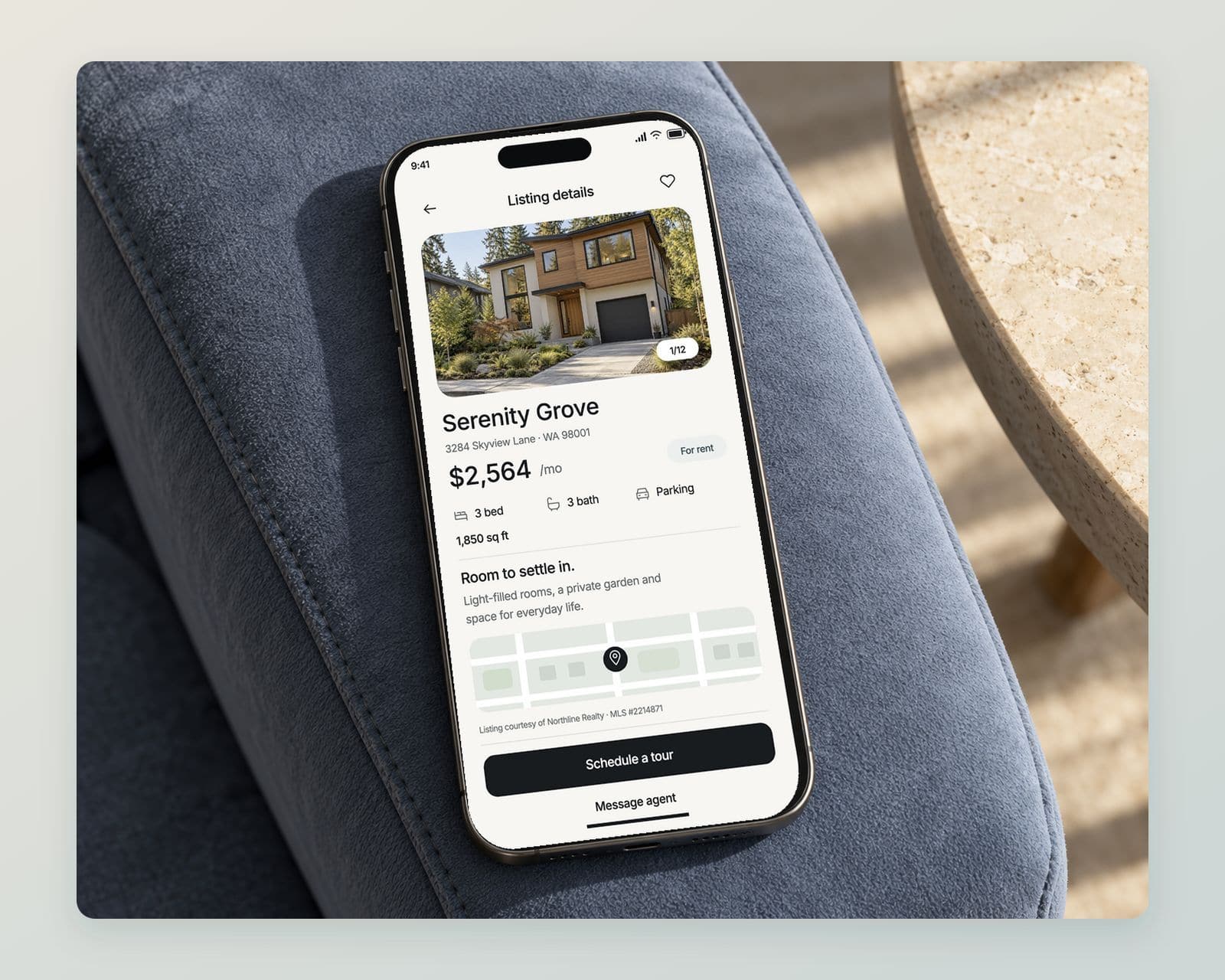
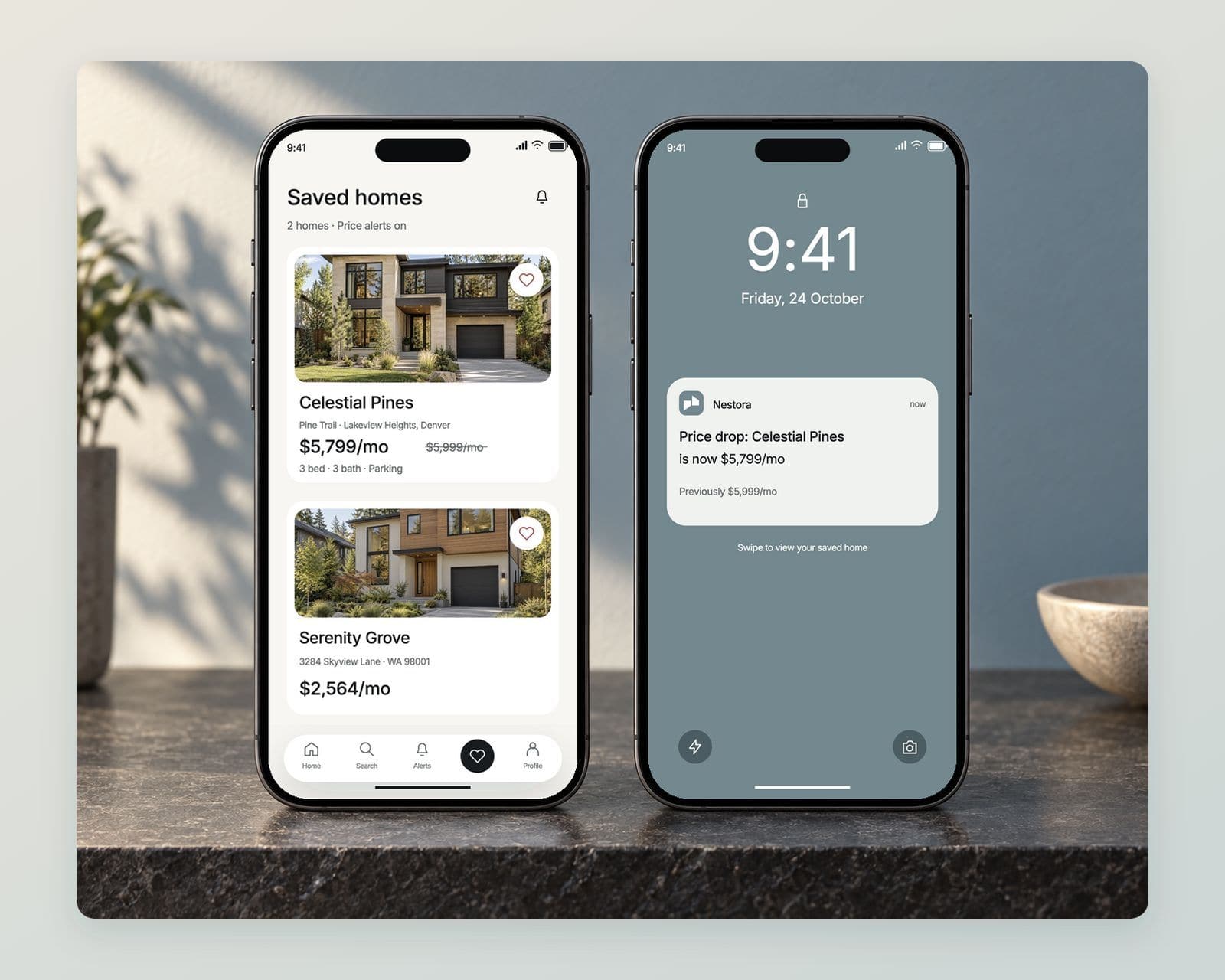
The design gives each home one card: a large photograph, the name and address, the monthly rent, and beds, baths and parking as small labels. Property type chips run across the top, and a heart on each card saves the home to a favorites list.
- One card for each homePhotograph, rent, beds, baths and parking.
- Chips for property typeRow house, apartment and office.
- A list of favoritesA heart on the card saves it for later.
Real estate app development, from the listing feed to the agent’s inbox
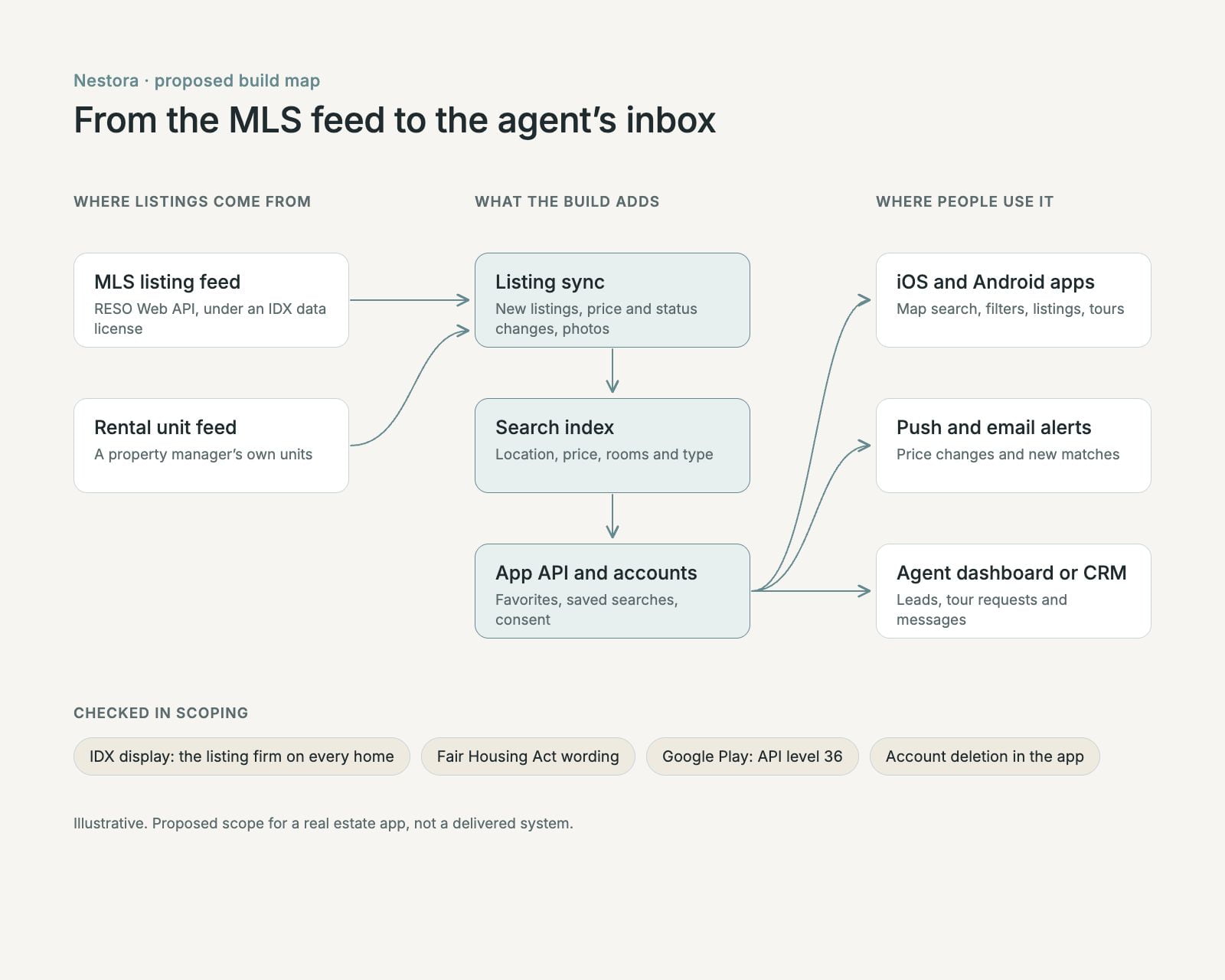
The screens are the part a renter or buyer sees. A property app runs on four more parts behind them, and they decide most of the build.
Listings from the MLS feed
Listings, photographs and status changes read from the MLS through its RESO Web API under a data license, so a home that is rented or sold leaves the app instead of collecting messages.Search that agrees with the map
One index for location, price and rooms, so the map, the filters and the list show the same homes at the same moment.Saved searches that send alerts
Favorites and saved searches live in the account, and a price change or a new match sends the push notification or email the user agreed to.Tours and leads to the right agent
A tour request or a message lands with the listing’s agent or the brokerage team, in a dashboard or in the CRM they already use.
What the Nestora real estate app does
Every screen serves one habit: compare homes quickly, keep the good ones, and act before someone else does.
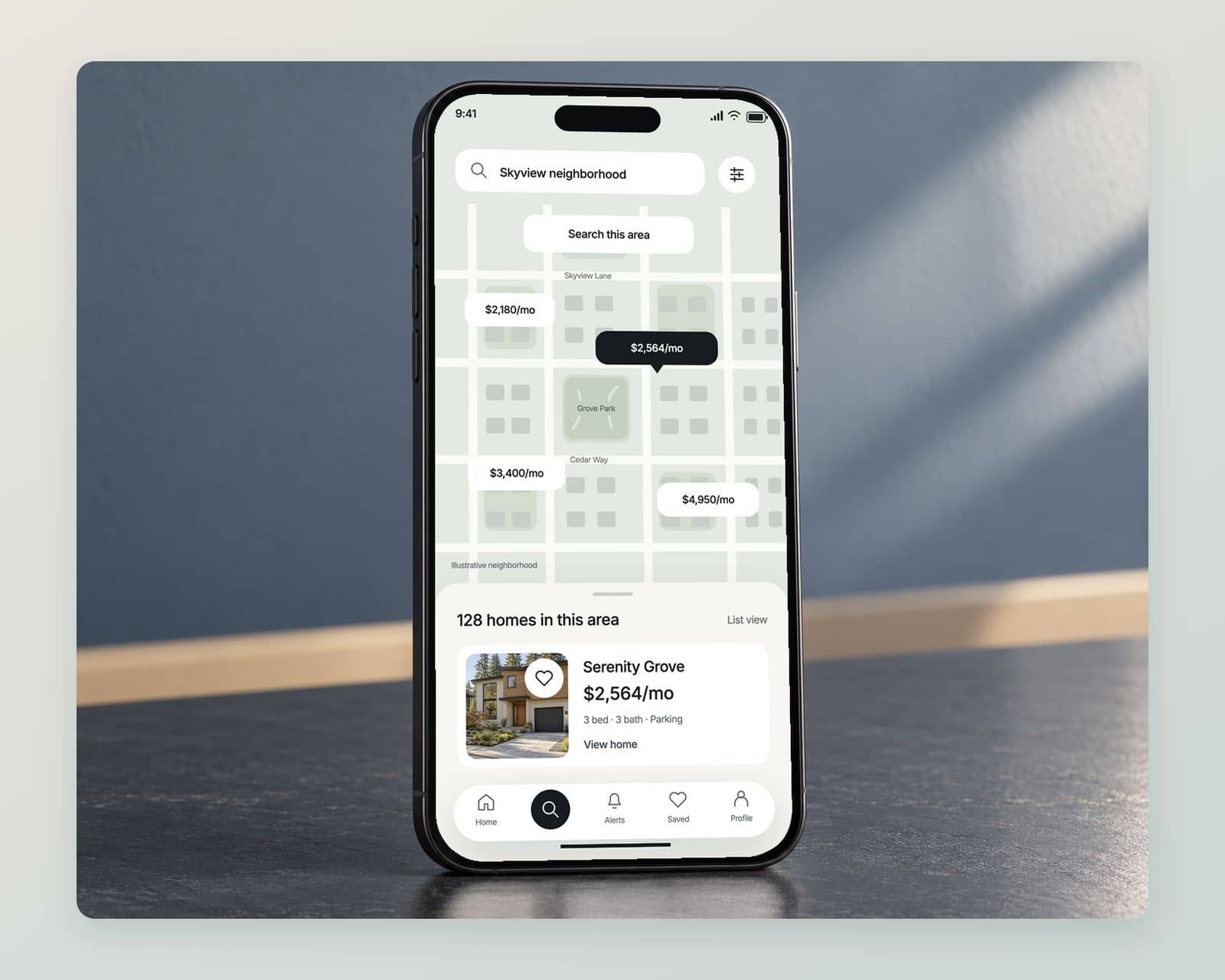
Search on a map, with the list one swipe away
Price pins on the map, a Search this area button after every move, and the listing cards in a sheet that pulls up over the map.
Filters that start with rent or buy
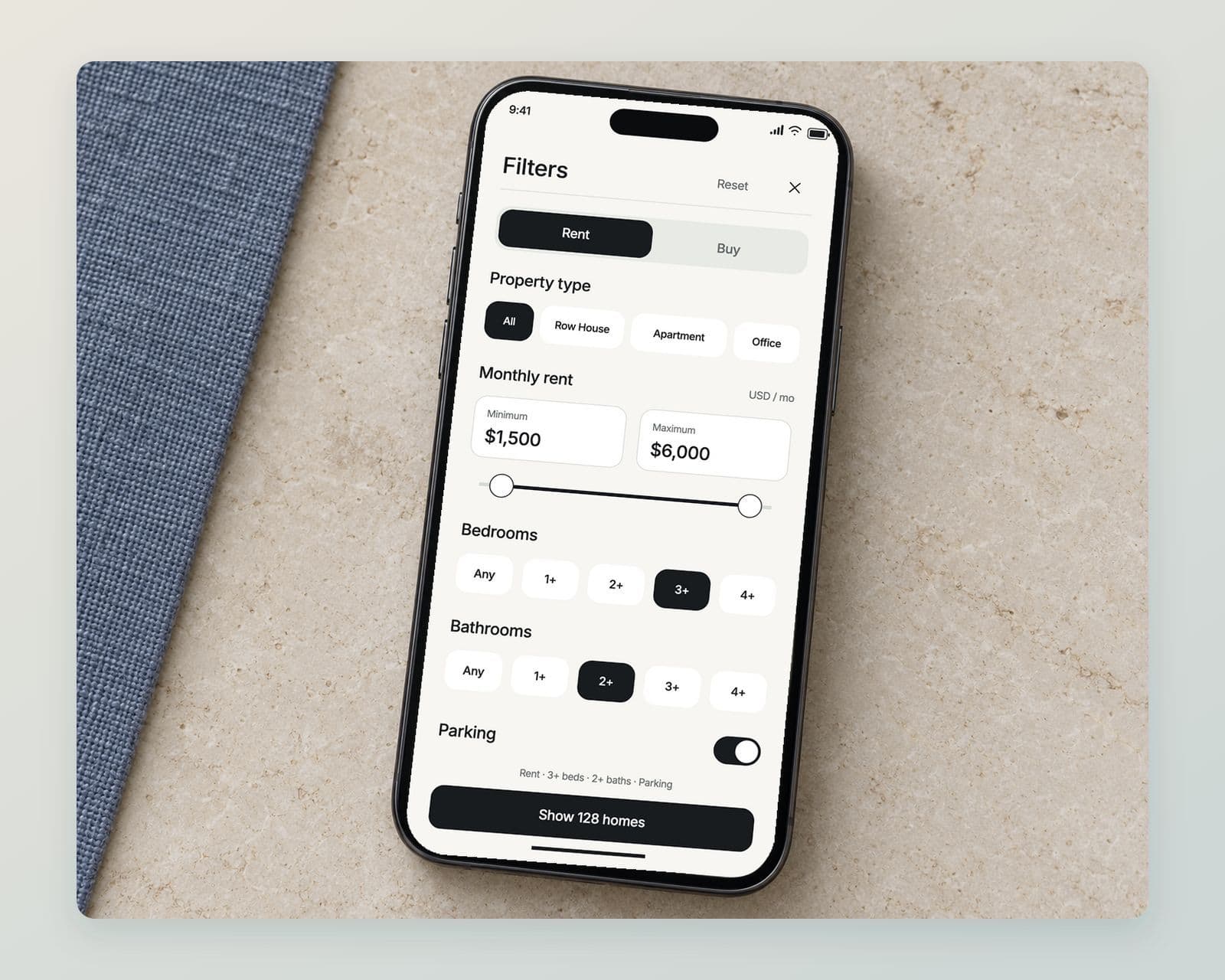
Rent or buy first, then the property type, a price range, beds, baths and parking, with the number of matching homes on the button.
Saved homes that report a price change
The favorites list shows the new rent beside the old one, and an alert reaches the lock screen when a saved home changes price.
Tour booking and a chat with the agent
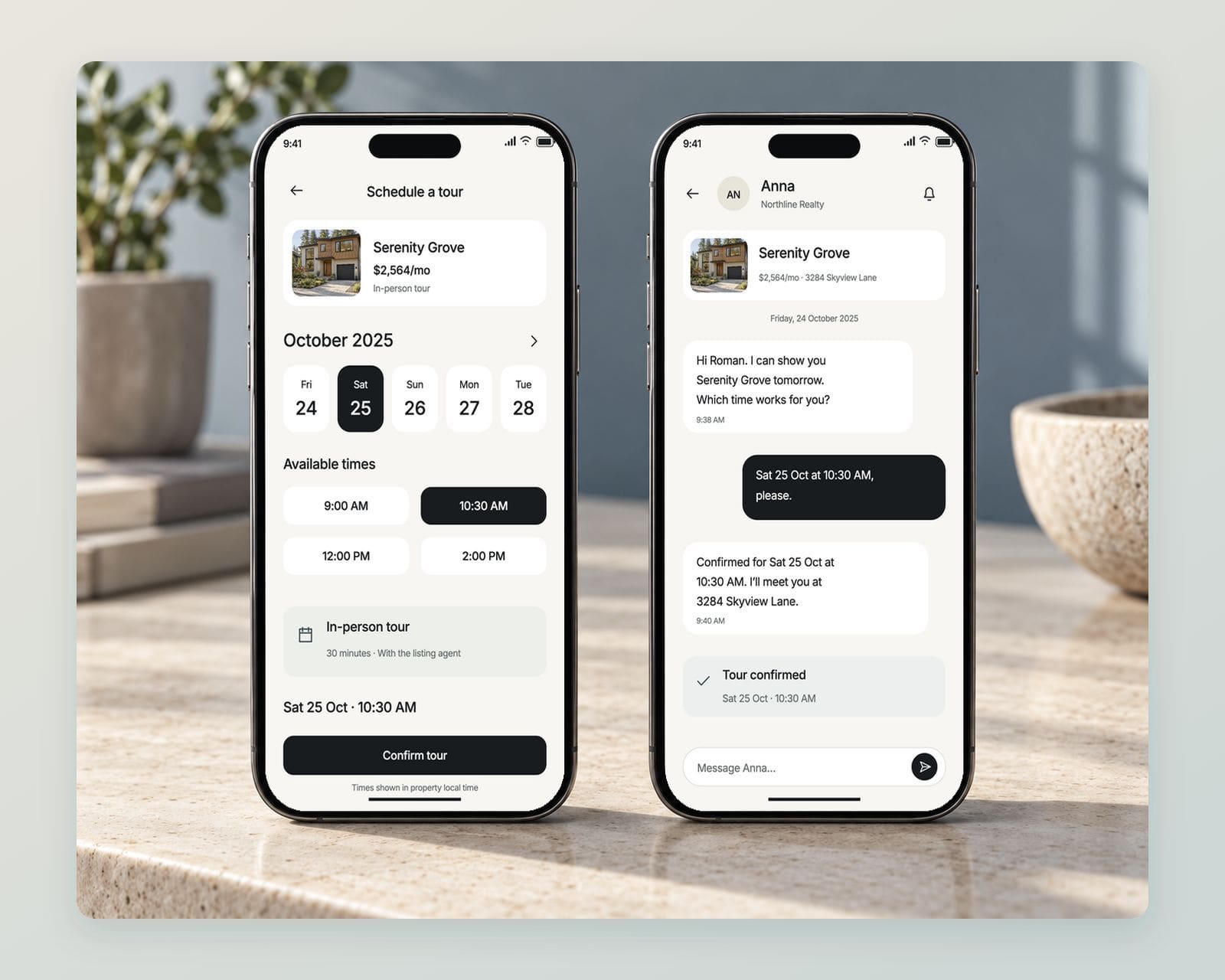
A renter picks a tour slot from the listing, and the agent confirms it in the same thread, so the booking and the questions stay in one place.
An agent dashboard for leads and tours
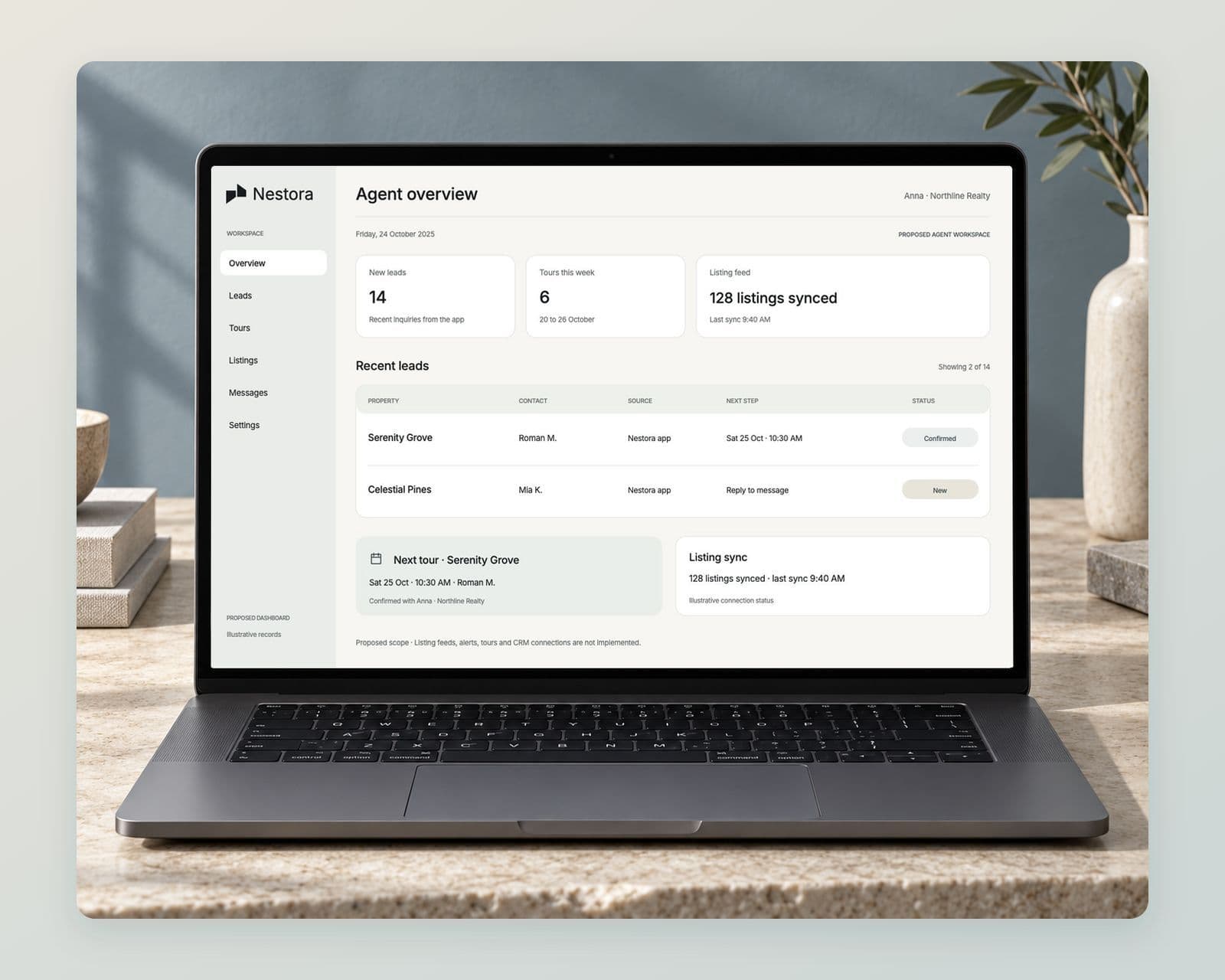
New leads, the week’s tours and the listing sync status on one screen, with each lead showing the home it came from. Proposed scope.
An identity that carries from the icon to the sign
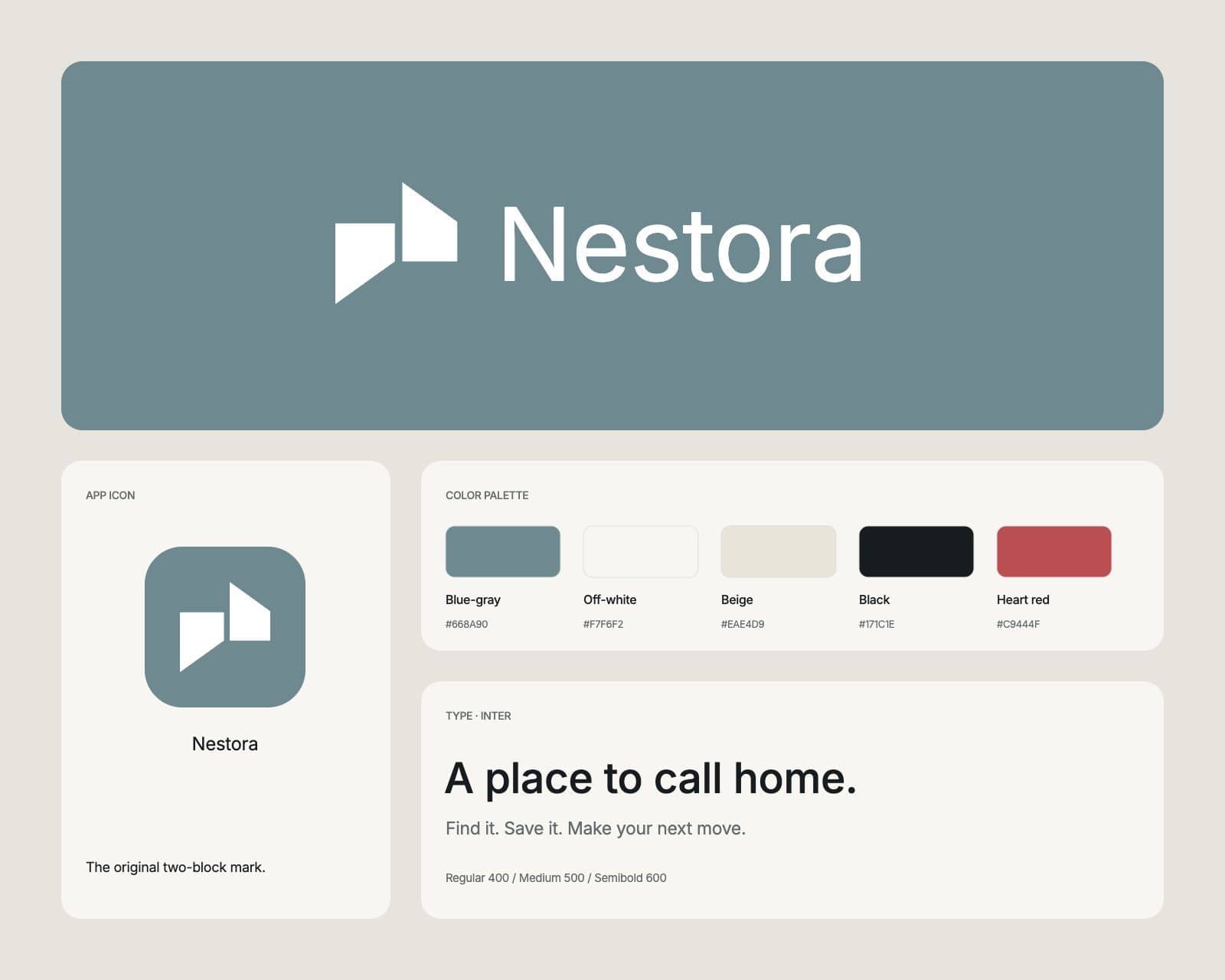
The two-block mark as the app icon and on the blue-gray panel, with the palette and type the screens are built from.
The services behind this work: mobile app design and mobile app development. Planning something similar? Read our guide to mobile app development cost.
Before you brief anyone
Planning a real estate app? Settle these first
Settle whose listings, when to sign in and where a tour goes before the screens.
Request a scoping callDecide whose listings the app shows.
A brokerage app shows its own listings and, under an IDX agreement, other firms’ listings from the same MLS; a rental app for one property manager shows only its own units. That choice sets the data license, the display rules and the size of the build.
Decide when people have to sign in.
Favorites and saved searches are what bring a user back, so letting people save first and create an account later keeps the habit forming, and an account created in the app must be one they can delete in it.
Decide where a tour request goes.
A rental inquiry can book a slot straight away, while an agent working with a buyer needs a written agreement before touring a home, so that booking routes to the agent rather than to a calendar. Our real estate software development page covers the brokerage side.
Then agree the scope before comparing prices.
Our guide to mobile app development cost shows which choices move the price, and our mobile app development page covers the build.
Questions about real estate app development
If something here does not answer it, ask the founder directly.

Talk to the people who do the work
A 30 minute scoping call with the team that would take the project on. We reply within 12 hours.
Prefer email?[email protected]
What does real estate app development include?
A buyer or renter app with search, a map, filters, listing pages, favorites and saved searches; a listing feed from the MLS or the property manager’s system; push alerts; tour booking and messages; and an agent dashboard or a link to the CRM. The app people see is one part; the feed and the agent side decide most of the cost.
Do you develop real estate apps as well as design them?
Yes. We design and develop real estate apps through our mobile app development work, from the buyer and renter app to the listing feed and the agent side. Nestora, shown here, is design work: the screens and the brand.
How much does real estate app development cost?
It depends on whose listings the app shows, the MLS or feed it connects to, the platforms and the agent tools, so we price it after a scoping call. Our guide to mobile app development cost explains the main factors.
How does a real estate app get MLS listings?
Through a data license with the MLS, usually an IDX feed for a brokerage’s public displays, delivered through the RESO Web API that most MLSs now offer. The license sets which listings and fields the app may show and how the listing firm is credited.
Can you build an app like Zillow?
We can build an app with the same parts: listings from an MLS feed, map search, saved searches with alerts and messages to agents. What makes Zillow work is its national listing coverage and its audience, so we start by settling which listings your app can show and who it is for.
Should a brokerage build its own app or use an IDX plugin?
A plugin or white label app is quicker when search and listings are all you need. A custom app pays when saved searches, tours, agent routing or your own listing data set the brokerage apart, and when you want to own the user accounts and their data.
What a real estate app has to get right before launch
A property app runs on listings that belong to other firms, ads that fall under fair housing law and two app stores with rules of their own.
Every listing
The listing firm named on each home
NAR’s IDX policy has MLSs require every listing shown to name the listing firm, prominently and in type no smaller than the listing data.
NAR IDX policy90%
Listings through the RESO Web API
RESO has deprecated the older RETS feed, and at least 90% of MLSs offer RESO-certified Web API services, so a new build connects through the Web API.
RESO Web API transitionBefore the tour
A buyer agreement before a home tour
Since August 17, 2024, an MLS participant working with a buyer needs a written agreement before touring a home, in person or by live video.
NAR written buyer agreements§3604(c)
Listing text within fair housing law
The Fair Housing Act bars any listing or ad that states a preference based on race, color, religion, sex, disability, familial status or national origin.
Fair Housing ActAPI 36
Android builds on the current target
Since August 31, 2026, new apps and app updates on Google Play must target Android 16, API level 36, or higher.
Google Play target APIIn the app
Account deletion where the account began
Apple requires any app that supports account creation to let people start deleting their account from within the app.
App Review: account deletion
We check the listing license, the display rules and the store requirements during scoping, so the app launches on data it is allowed to show.
More mobile app design work like the real estate app
Design work
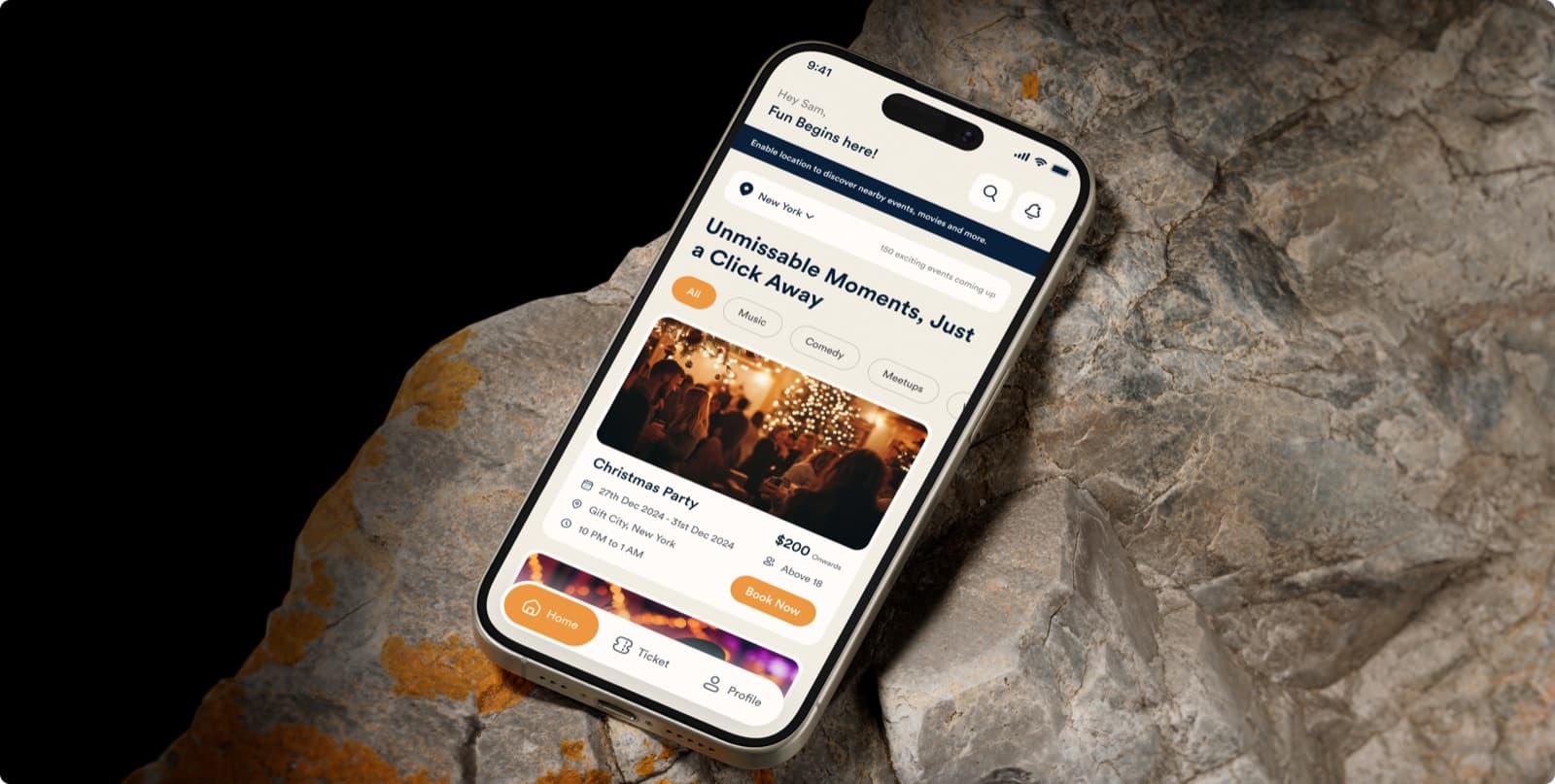
Event booking app design, from the city feed to the ticket
A phone app for finding an event nearby and booking a place at it.
Design work
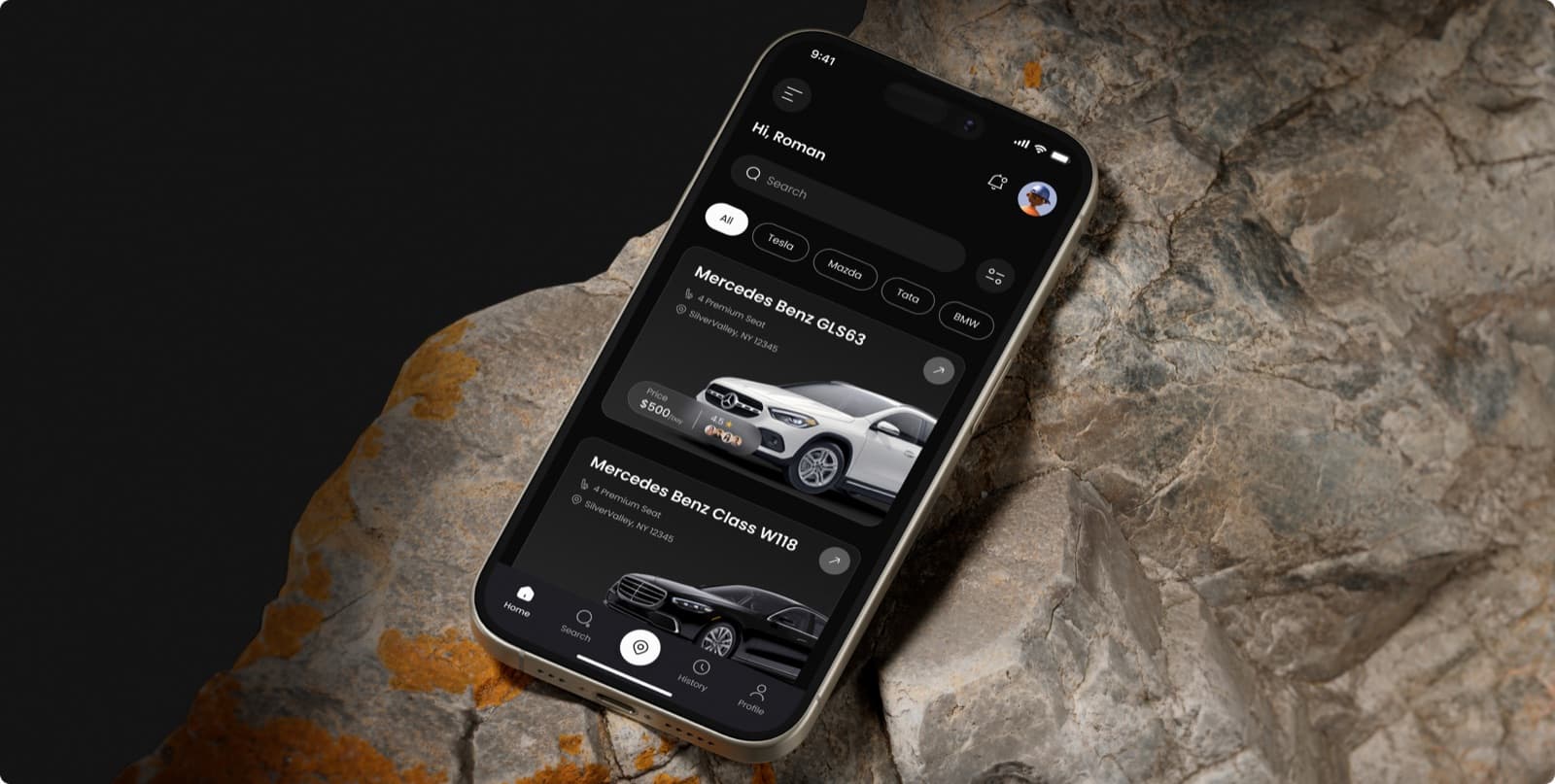
Car rental app design for premium cars, in a dark interface
A dark car rental app for phones, and the identity around it.
Design work
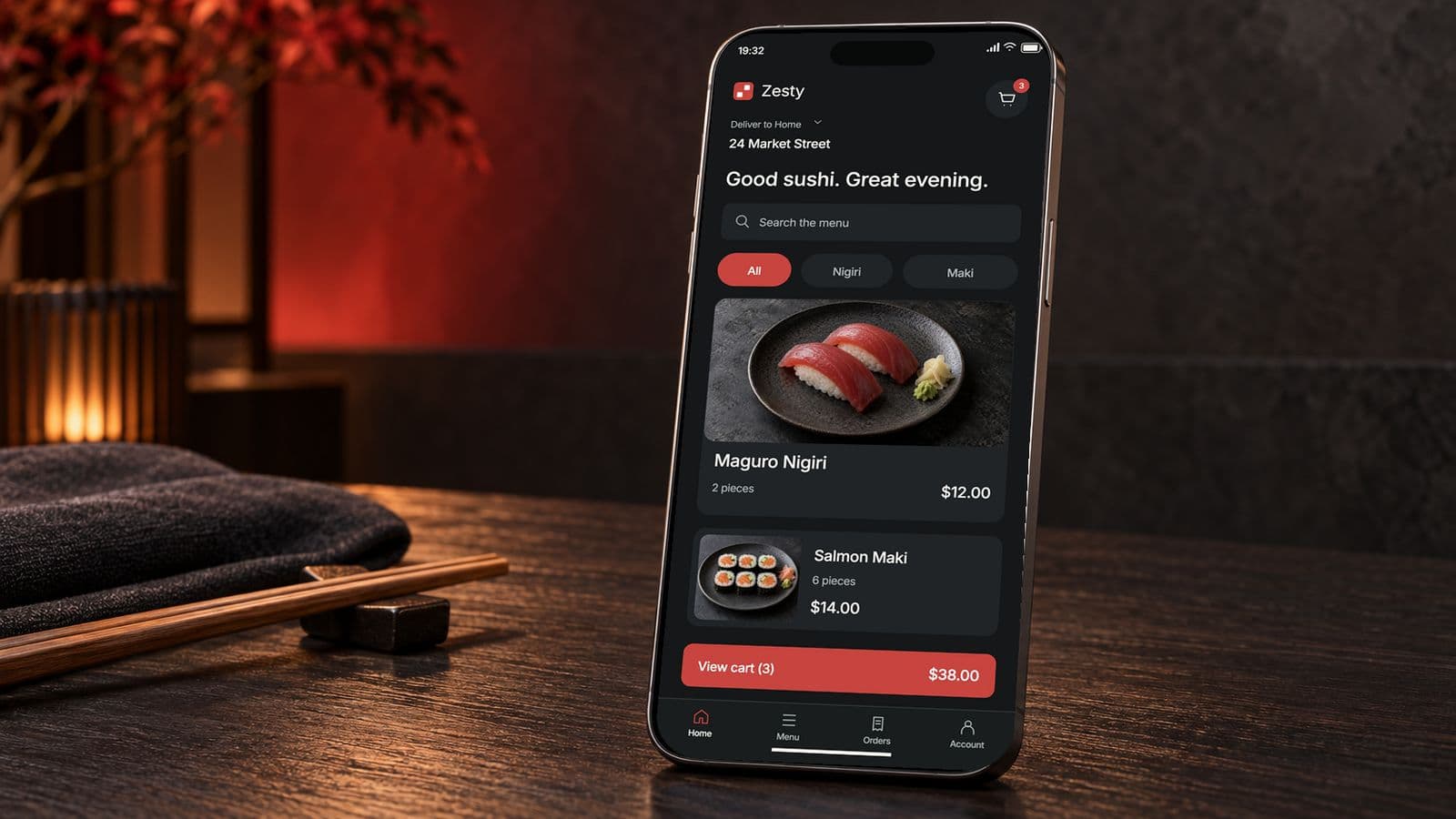
Food delivery app development, from the menu to the doorstep: Zesty
A sushi ordering app with live order tracking, and the delivery build behind it.
Talk to us about a real estate app
Thirty minutes with the people who would design and build it: whose listings it shows, how people search and where each tour request should go.
- We reply within 12 hours
- You talk to the people doing the work, never an account manager
- Peer-reviewed releases
- NDA before your first call

Mayursinh Jadeja
Founder, Redlio Labs